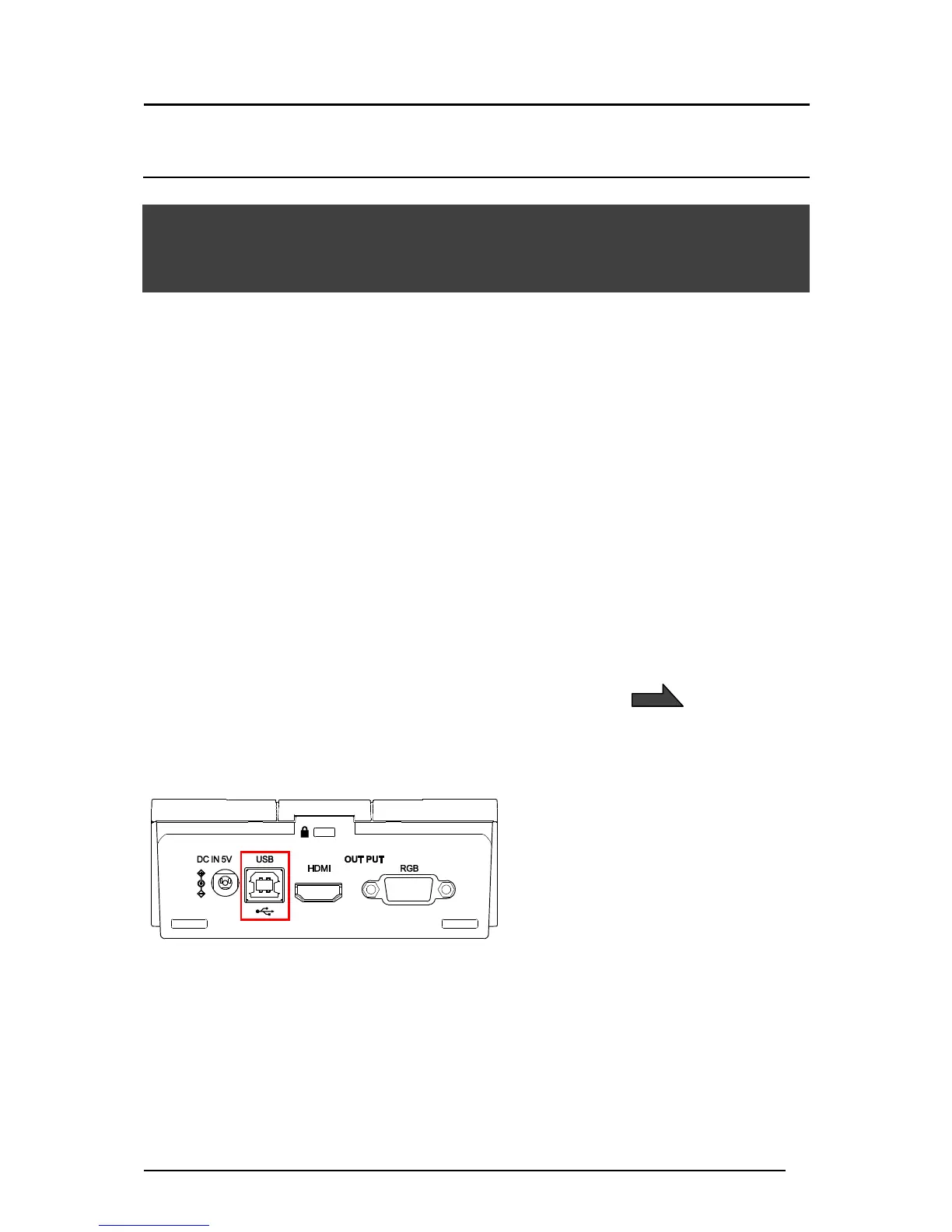
3-1 CONNECTING TO A COMPUTER VIA
THE USB CABLE
The TX-1 is compliant to UVC (video class) standard and there is no need to install a driver.
Just by connecting it to the USB port of your computer, you can use the TX-1 with a video
conference system or various applications.
By connecting the TX-1 to a computer with Image Mate 4 (the controlling software for the
TX-1) installed, the following operations can be performed:
・Save live video streaming or still images to a computer
・Operate the TX-1 from a computer
This instruction manual briefly explains the feature of Image Mate 4.
Refer to the instruction manual of Image Mate 4 for details such as the system requirements
of the computer and operation procedure of the OS or the software.
※Image Mate 4 (the controlling software for the TX-1) and its instruction manual can be
downloaded from Elmo official website.
For details of Image Mate 4, refer to “➍ ABOUT IMAGE MATE 4”
<How to connect>



 To Next Page