In places where the object is exposed to bright sunlight (e.g. near a window), or extremely bright
lights, the brightness of the image may not be decreased well, even by pressing the [ ] button
on the operating panel.
In such cases, to adjust the amount of light, close the curtains or move the object away from the
light.
■ADJUSTING THE BRIGHTNESS
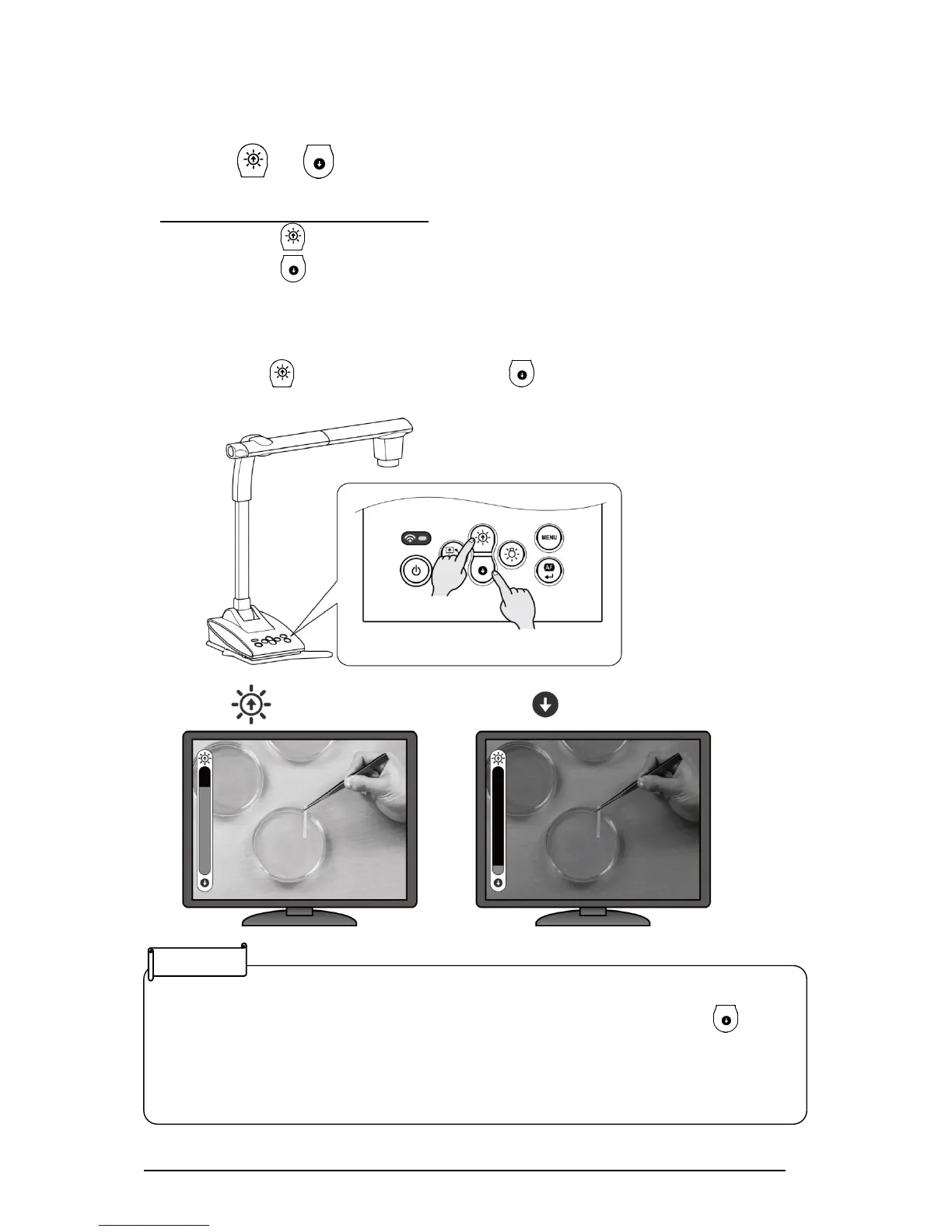
Press the [ / ] button on the operating panel to adjust the image brightness.
When the OSD menu is not displayed
Brightness+ :The brightness of the image is increased.
Brightness- :The brightness of the image is decreased.
※When the OSD menu is displayed, these buttons are used to move the cursor and the
brightness adjustment cannot be performed.
※Pressing the [ (brightness+)] button and the [ (brightness-)] button at the same time:
The brightness of the image returns to factory default setting.



 To Next Page