CAUTION
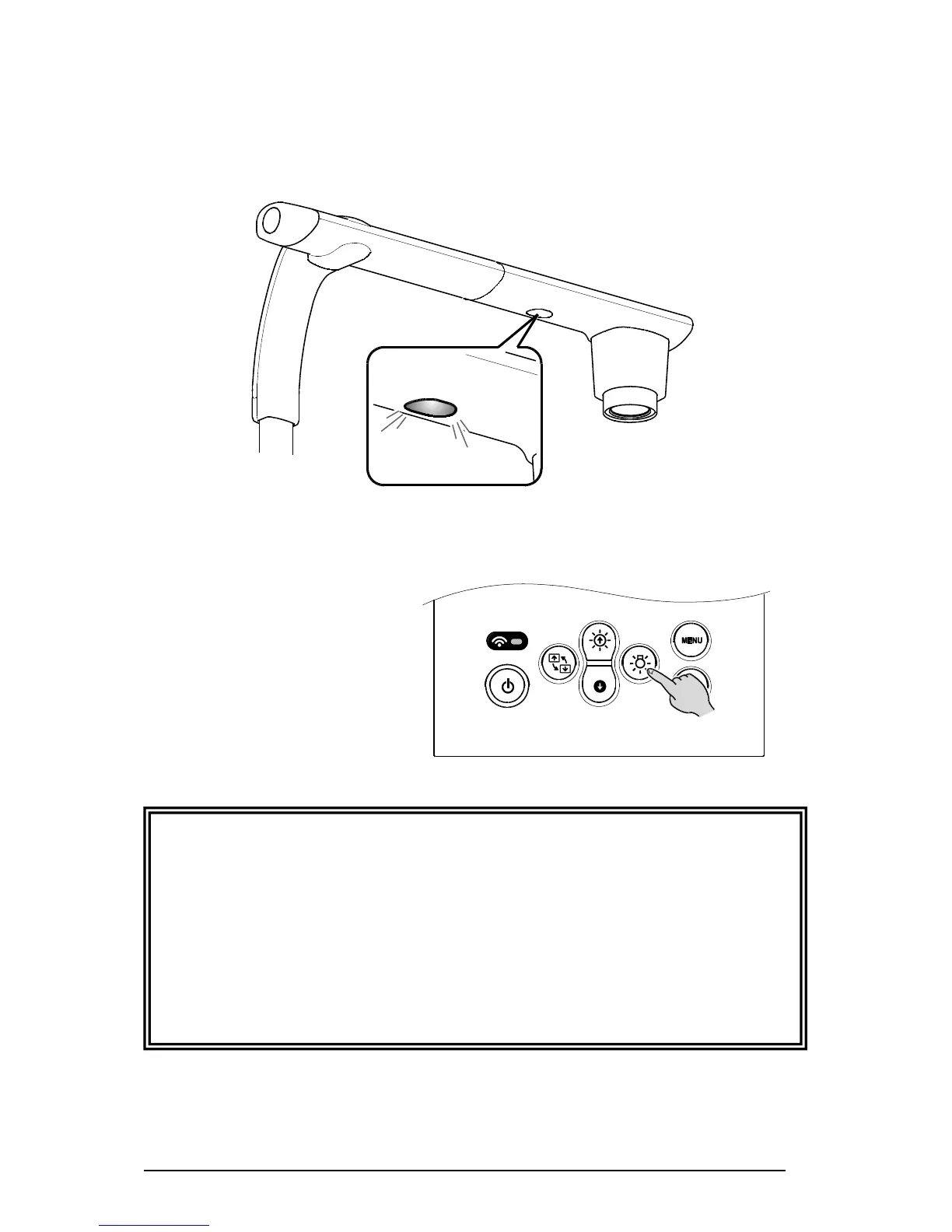
• To take shots of people, turn the LED lighting OFF.
• Make sure that the light from the LED lighting does not shine directly into your eyes.
• This product is equipped with a high-brightness LED. You can safely use it to light up the
object.
The brightness will gradually decrease with long-term use. This is not a malfunction but a
characteristic of the LED.
• Do not touch the LED lighting while it is on as it may become very hot.



 To Next Page