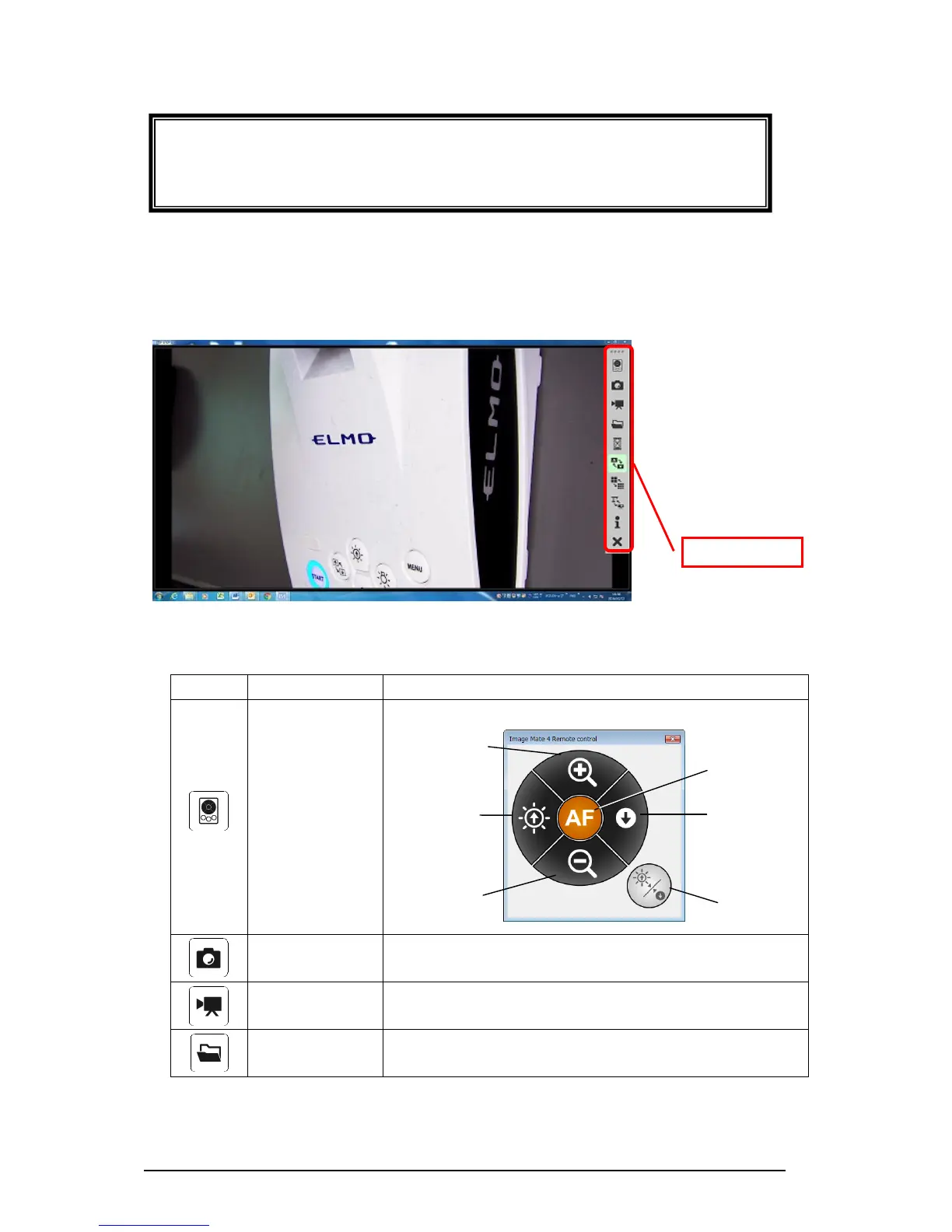
■MENU WINDOW OF IMAGE MATE 4
This instruction manual briefly explains the feature of Image Mate 4.
For details, refer to the instruction manual of Image Mate 4.
DESCRIPTIONS OF ICONS 【MENU】
To display the remote control window.
To save the currently displayed image as a still image.
Start recording/
Stop recording
To start and stop recording.
To open the destination folder of still image files or video
files recorded with Image Mate 4.
CAUTION
If the TX-1 is turned off while WiFi is connected, the TX-1 will automatically
reconnect to the same camera when it is started next time.



 To Next Page