This instruction manual briefly explains downloading / installation procedure of the TX-1
Setting tool. You can find further information of the TX-1 Setting tool in the instruction manual
of Image Mate 4, downloaded in the step “➍ ABOUT IMAGE MATE 4”.
For details, refer to the instruction manual of Image Mate 4.
5-1 STARTING THE SETTING TOOL
A shortcut icon for the Image Mate Setting tool [ ] is created when Image Mate 4 is
installed. Click the icon [ ] to start the Image Mate 4 Setting tool.
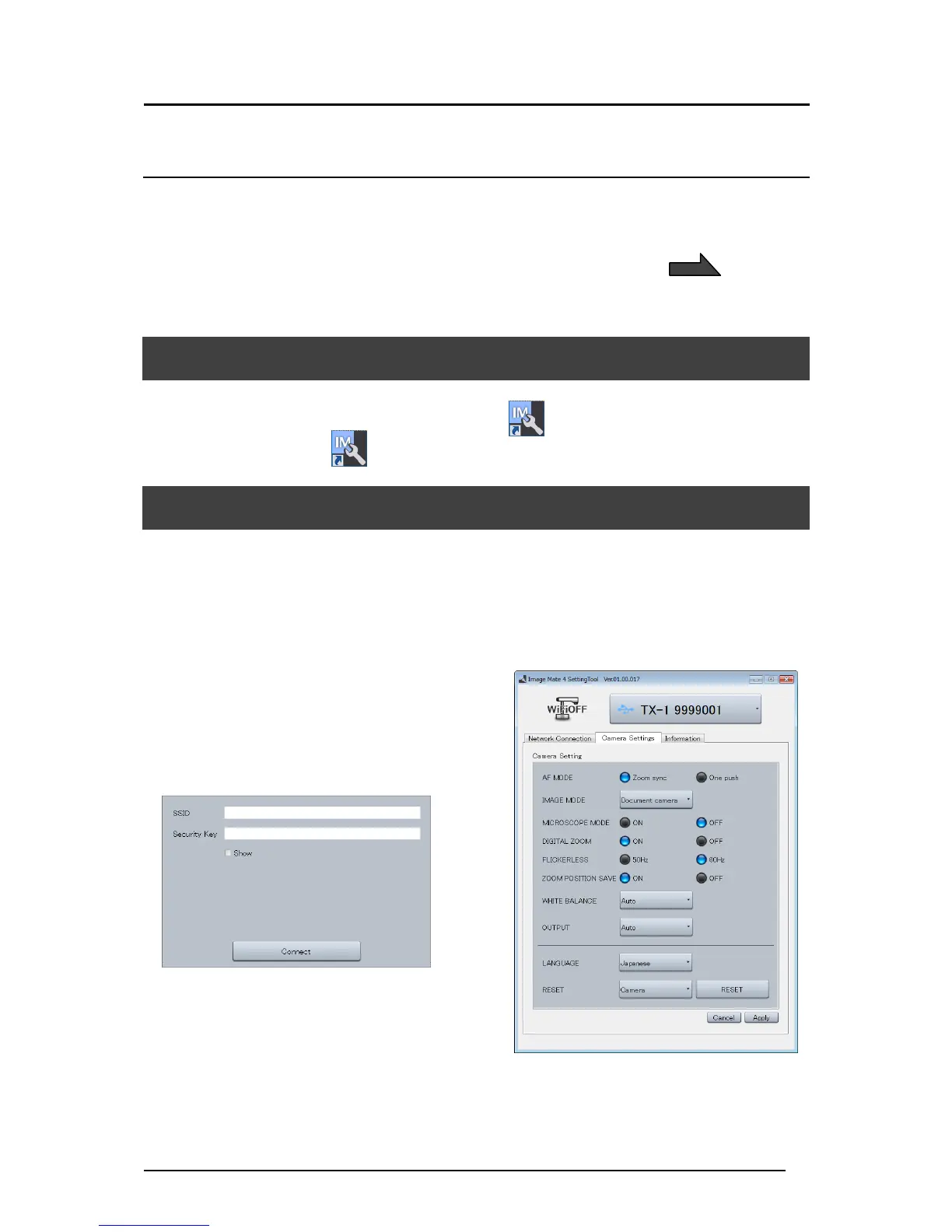
5-2 USING THE SETTING TOOL
The following items which cannot be configured from the setting menu of the TX-1 can be
configured using the Setting tool:
・Manual wireless connection
・Changing the SSID and KEY
・White balance settings
・Changing the frequency of the flicker correction
・Saving the zoom position etc
For details, refer to “THE SETTING TOOL” in the instruction manual of Image Mate 4.



 To Next Page