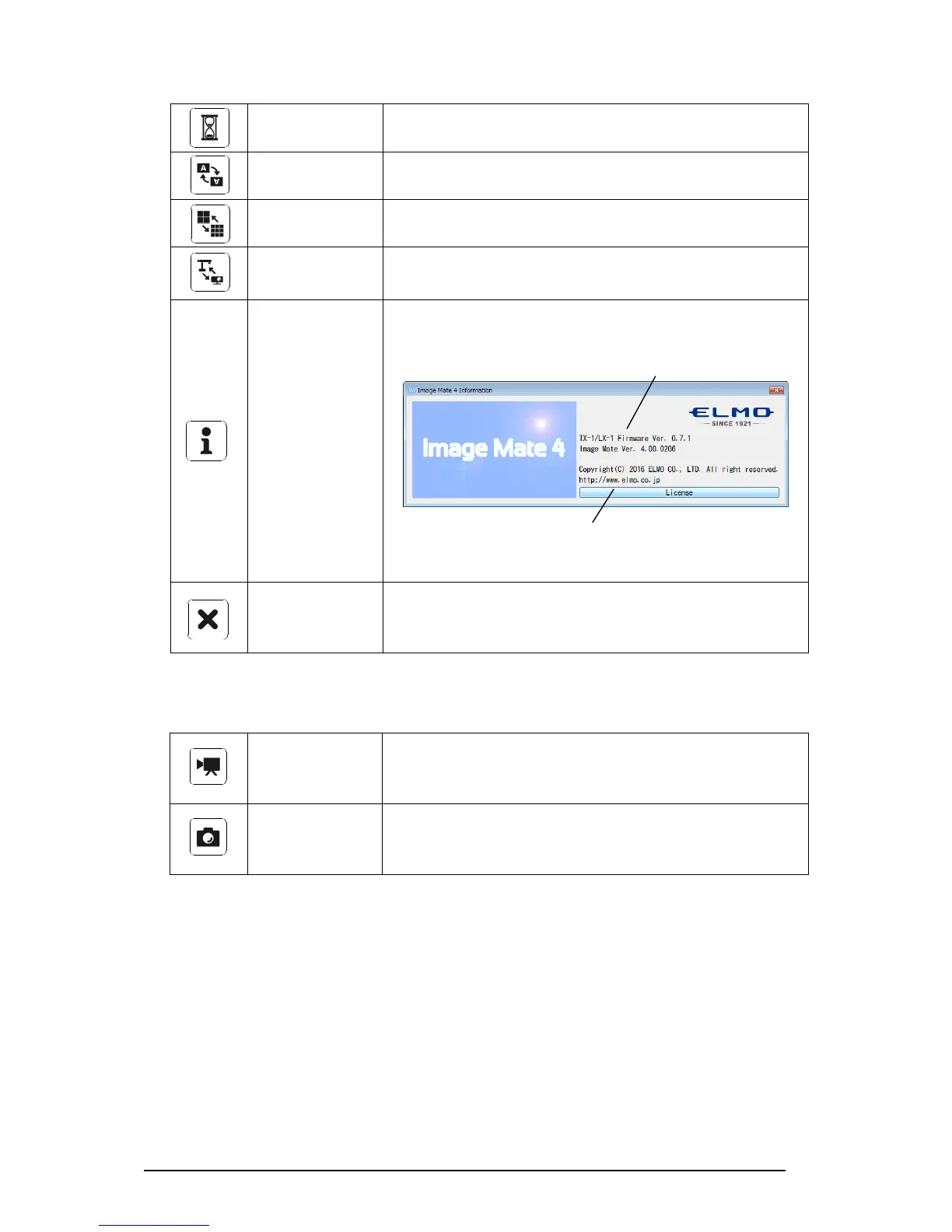
To pause the image. Click this icon again to resume the
image.
To rotate the image by 180°.
To set the resolution, frame rate and image quality.
To display a list of connected cameras. Select the camera
to display.
To display the version information of the connected
Document Camera and Image Mate 4.
To close the application.
A confirmation window will be displayed when this icon is
clicked. Click “OK” to close the application.
DESCRIPTIONS OF ICONS 【STATUS】
This icon appears during video recording.
The color of this icon changes between red and white
during video recording.
This icon appears during still image capturing.
This instruction manual briefly explains the feature of Image Mate 4.
For details, refer to the instruction manual of Image Mate 4.
The software license agreement will be displayed.
Carefully read it before using Image Mate 4.



 To Next Page