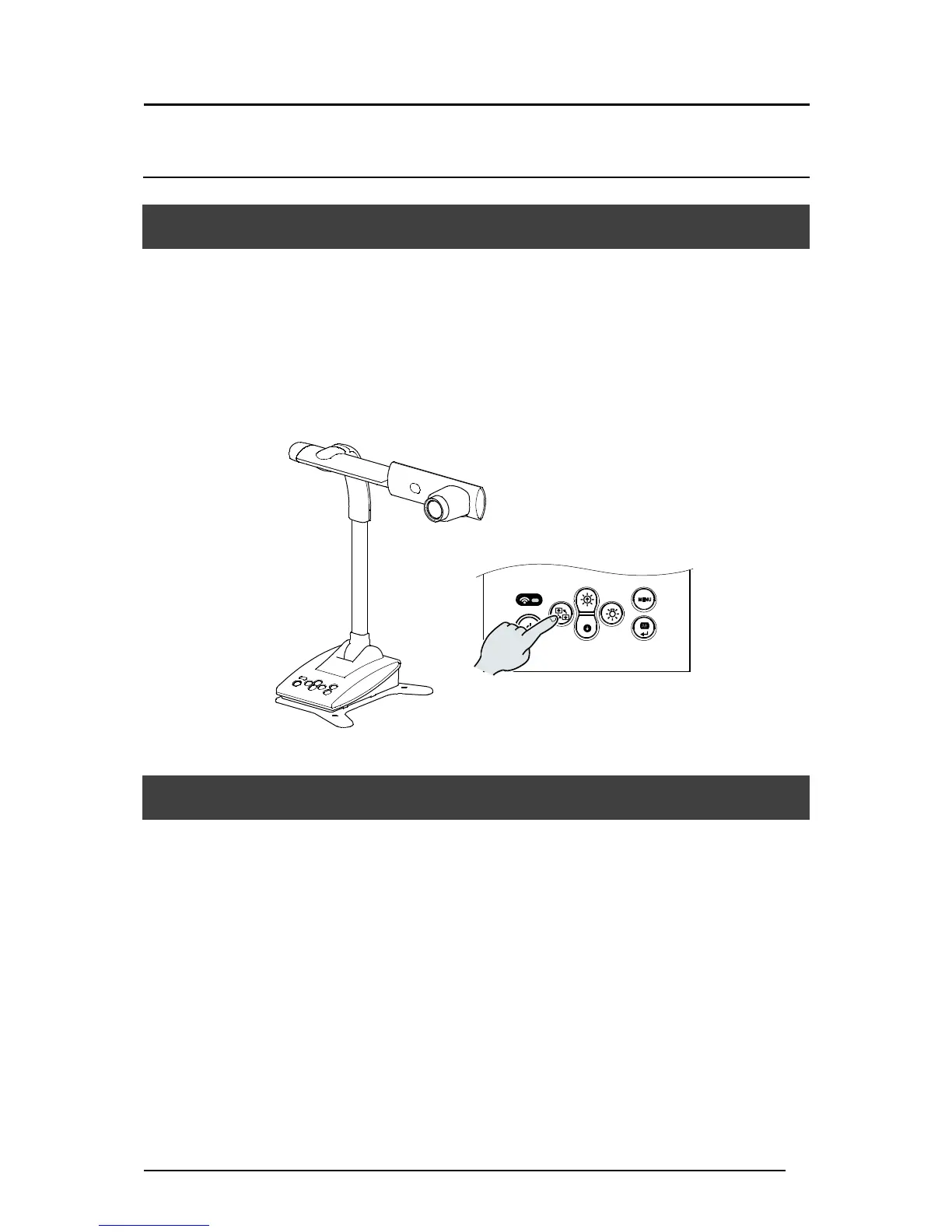
6-1 SHOOTING FORWARD OR BACKWARD
By rotating the camera head you can shoot forward, backward, up, down, left and right.
※For information of the rotatable range of the camera head, refer to P17 “MOVING
PARTS OF THE TX-1”.
The image will become upside down depending on the direction of the rotation. In that case,
correct it by pressing the “Image rotation” button on the operating panel.
6-2 ABOUT THE BASE PLATE
The base plate of the TX-1 is removable and can be attached in both directions.
Attaching the base plate facing the legs to the camera head direction will prevent the fall of the
TX-1.
Change the position of the base plate according to the installation place or the purpose of use.
■HOW TO CHANGE THE POSITION BASE PLATE
1.Remove 4 screws on the bottom of the TX-1 to remove the base plate.
2.Change the position of the base plate and firmly attach it with 4 screws.
※The base plate can be secured to a desk or stand with screws (M4).



 To Next Page