When the output destination is set to Auto while both HDMI and RGB cables are connected
to the TX-1, the TX-1 automatically selects HDMI as the output destination.
■CHANGING THE OUTPUT DESTINATION
The output destination of the video signal can be changed by the following procedure:
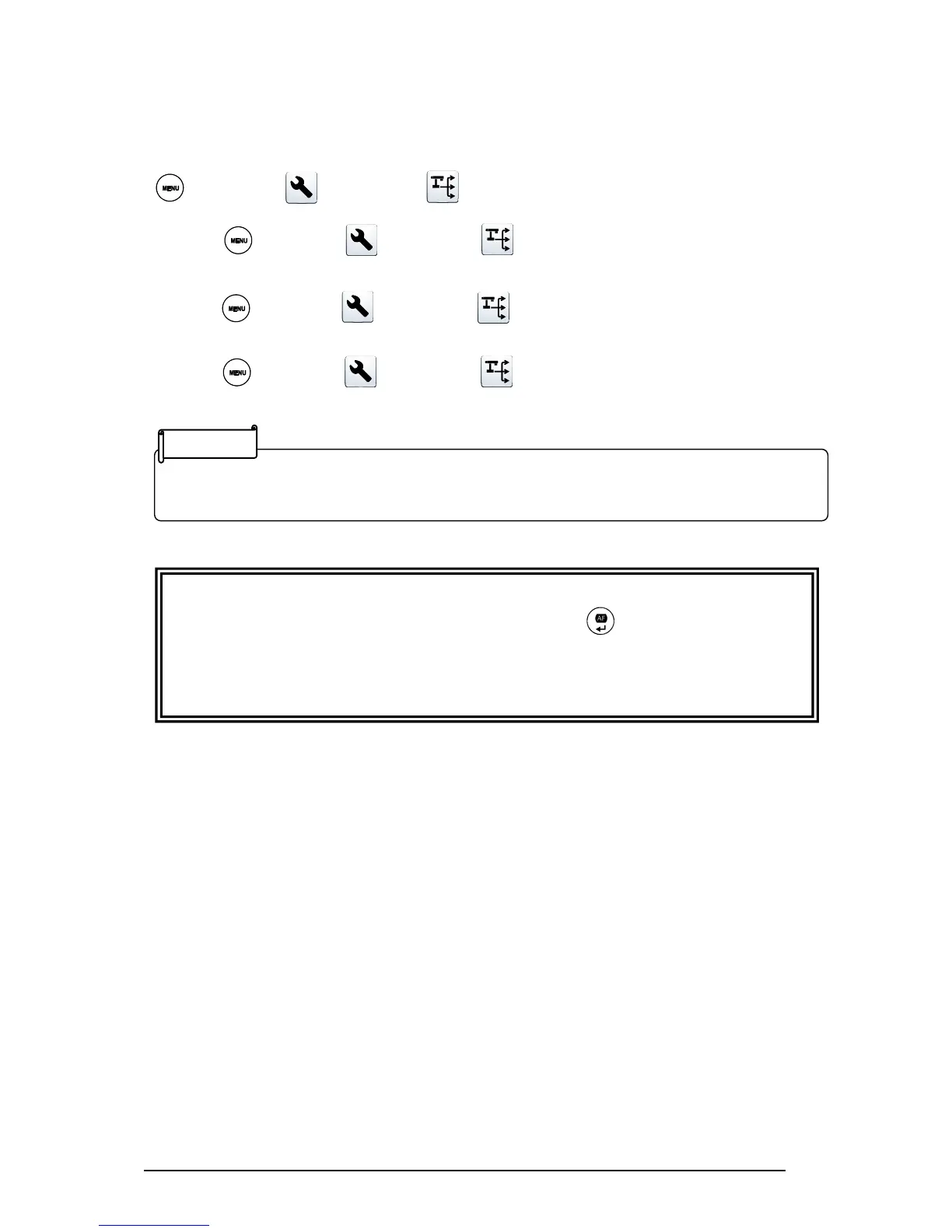
[ MENU ]>[ Settings ]>[ Output settings]
Auto :[ MENU ]>[ Settings ]>[ Output settings]>[ Auto ]
→The TX-1 automatically selects the output destination.
HDMI:[ MENU ]>[ Settings ]>[ Output settings]>[ HDMI ]
→Set the output destination to HDMI.
RGB :[ MENU ]>[ Settings ]>[ Output settings ]>[ RGB ]
→Set the output destination to RGB.
CAUTION
The output destination will be changed to the one selected by [ ]. If a corresponding image
output device is not connected to the TX-1 you cannot view the image.
Verify that a correct image output device is connected to the TX-1 before selecting the output
destination.



 To Next Page