Chapter 2 45
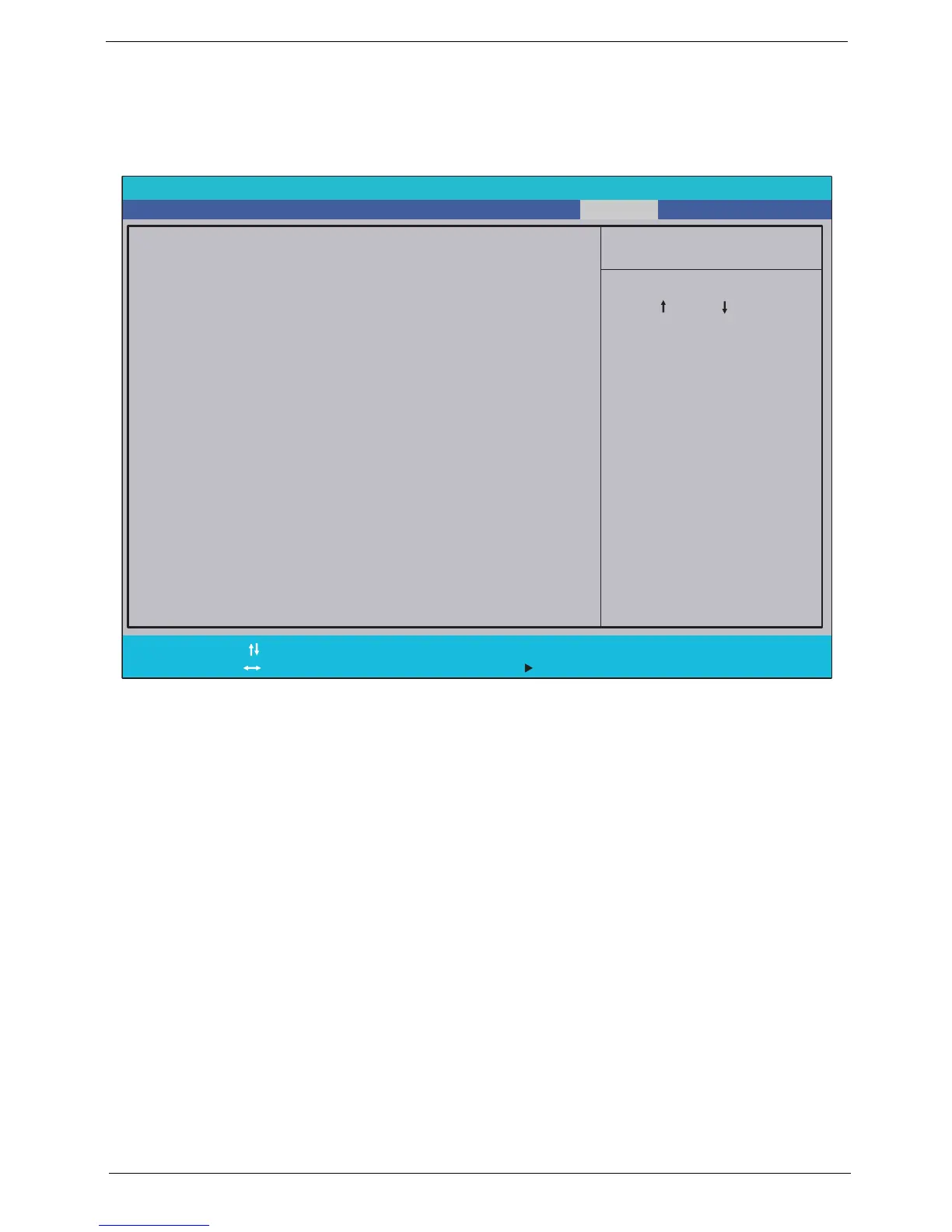
Boot Menu
This menu allows you to set the drive priority during system boot-up. The system will attempt to boot from the
first device on the list. If the first device is not available, it will continue down the list until it reaches an available
device. BIOS setup will display an error message if the drive(s) specified is not bootable.
Phoenix TrustedCore(tm) Setup Utility
Main
Item Specific Help
Use<>or<>to
select a device, then
press<F6>tomoveit
up the list, or <F5>
to move it down the
list. Press <Esc> to
escape the menu.
Boot priority order:
F1
Esc
Help
Exit
Select Item
Select Menu
Change Values
Select Sub-Menu
-/+
Enter
F9
F10
Setup Defaults
Save and Exit
Information Advanced Security Boot Exit
2: IDE1:
3: CD/DVD: XXXXXXXXXXX-XXX XX-XXXX-XX
4: PCI LAN: MBA vXX.X.X Slot XXXX
5: USB HDD:
6: USB FDD:
7: USB Key:
8: USB CD/DVD ROM:
1: IDE0: XXXXXXXXXXX-(XX)













 To Next Page