54 Chapter 3
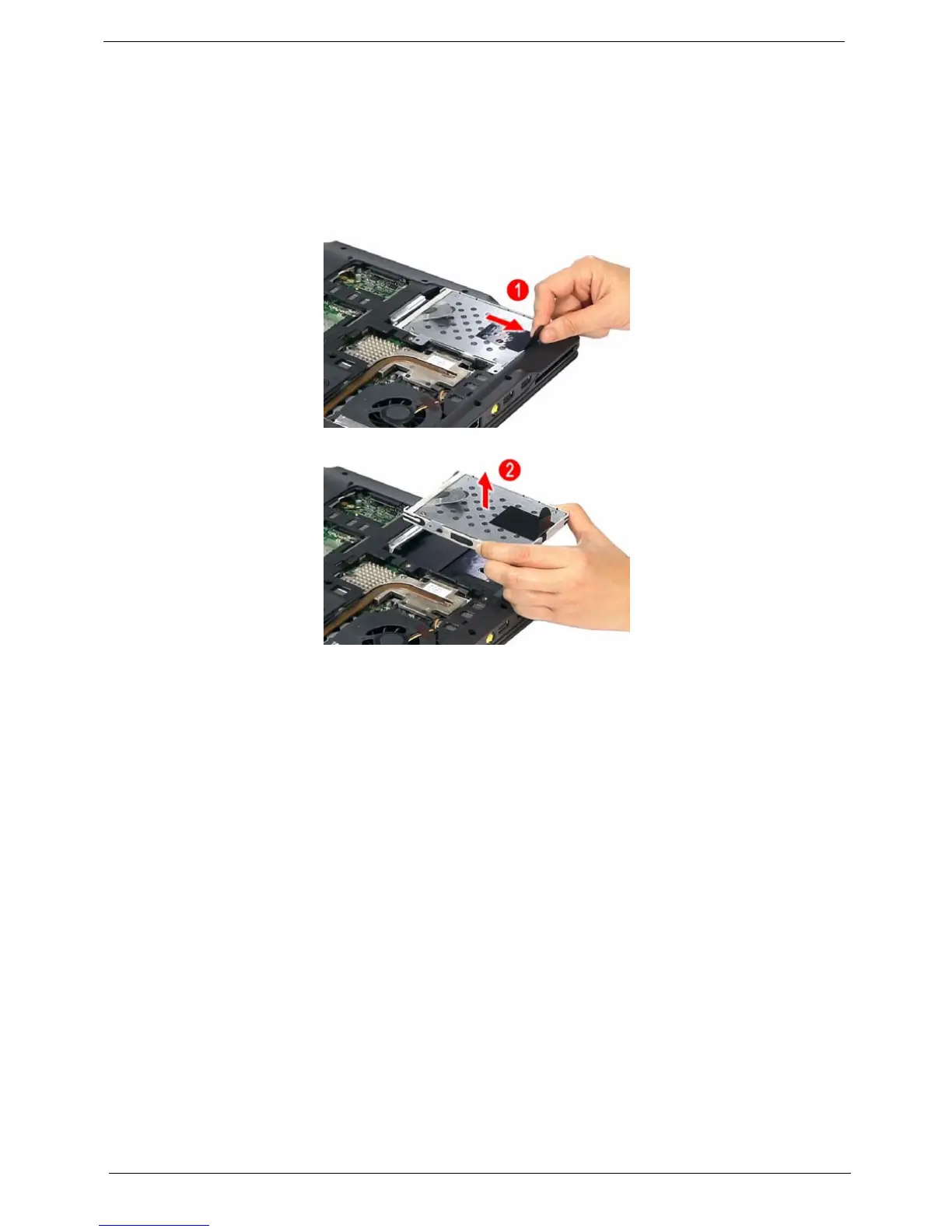
Removing the Hard Disk Drive Module
1. See “Removing the Battery Pack” on page 51.
2. See “Removing the Lower Cover” on page 51.
3. See “Removing the Lower Cover” on page 51.
4. Pull the HDD module out by pulling on the mylar attached to it, gently slide-out the HDD module from its
bay.
NOTE: To prevent damage to device, avoid pressing down on it or placing heavy objects on top of it.
NOTE: The HDD on this model does not have the rubber enclosure as above images show.













 To Next Page