ESD3000-System
33/66
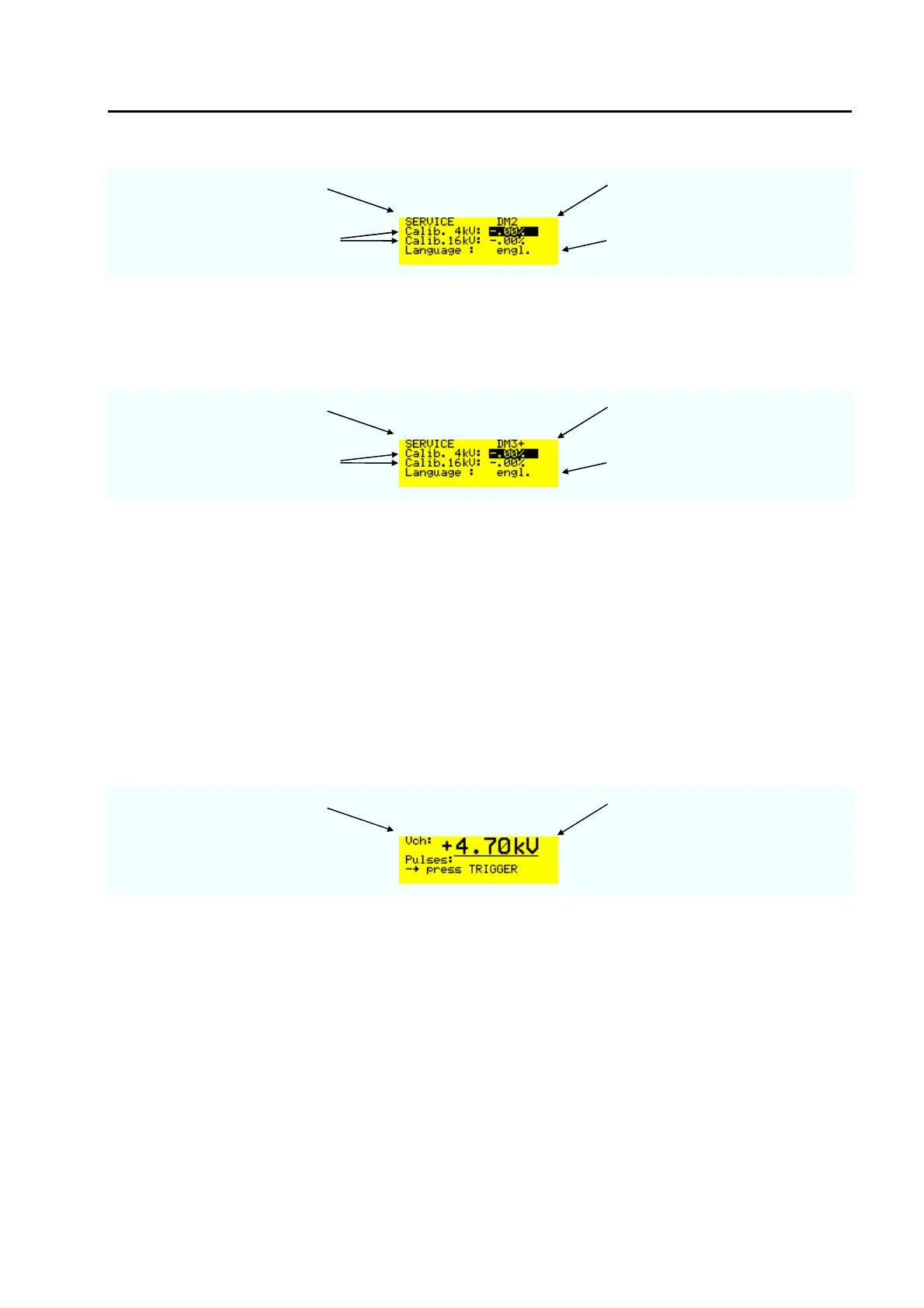
menu page ESD3000 equipped with
Discharge module DM2
calibration of the charging voltage
at 4 kV or 16 kV
For the time being only the English
version exists
Remark: When two discharge module exist for equal application e.g. two polarity for each discharge module
the factors are specified.
menu page ESD3000 equipped with
Discharge module DM3+
calibration of the charging voltage
at 4 kV or 16 kV
For the time being only the English
version exists
6.4.6 Reset of the ESD3000 to default values
When the ESD3000 is turned “OFF“ hold the +/- button and press the „RUN“ button. Relese the +/- button
when the message „reset to default“ is dispayed. If no message occur repete the reset.
6.5 Parameter changing during operation „RUN Mode“
6.5.1.1 Changing values during operation
In RUN-mode, several parameters can be continuously varied using the „up“ and „down “ buttons. This is
very helpful for exactly determining of the immunity level of the EUT. The manual change of the nominal
voltage will be noted in the report with a warning.
Charging voltage Increased voltage with „up“ during
operation
For very fast investigation the polarity can also be changed during operation by pressing the +/-
button.



 To Next Page