ControlWave Instruction Manual (CI-ControlWave)
Chapter 4 – Operation
This chapter provides general operational details for using the
ControlWave.
In This Chapter
4.1 ..............................4-1 Powering Up/Powering Down the ControlWave
4.2
...............4-1 Setting the Operating Mode (Run/Remote/Local Switch)
4.3
............................................4-2 Communicating with the ControlWave
4.3.1
.................................................4-2 Default Comm Port Settings
4.3.2
.................................4-3 Collecting Data from the ControlWave
4.4
..4-3 Creating and Downloading an Application (ControlWave Project)
4.5
..................................................4-4 Creating and Maintaining Backups
4.5.1
................................4-5 Creating a Zipped Project File (*.ZWT)
4.5.2
.................4-6 Saving Flash Configuration Parameters (*.FCP)
4.5.3
...................................................................4-8 Backing up Data
4.1 Powering Up/Powering Down the ControlWave
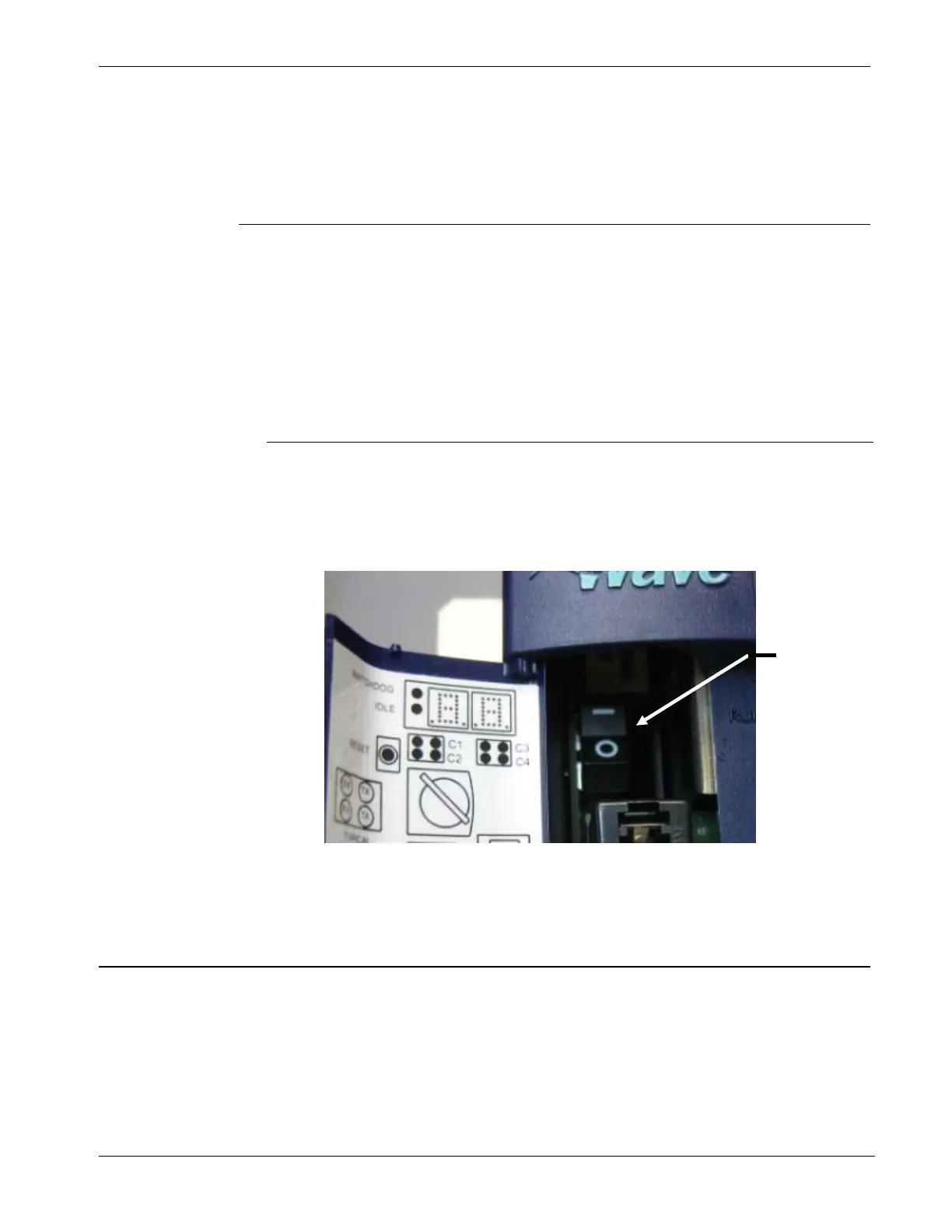
Open the bezel door on the PSSM and use the power switch to turn the
ControlWave ON or OFF.
Power switch
1 = ON
O = OFF
Figure 4-1. Power Switch on PSSM
4.2 Setting the Operating Mode (Run/Remote/Local Switch)
Run/Remote/
Local Switch
You set the PSSM’s Run/Remote/Local switch using a removable key.
You can remove this key when the switch is in any position to prevent
an unauthorized person from changing the operating mode.
Revised Nov-2010 Operation 4-1








 To Next Page