ControlWave Instruction Manual (CI-ControlWave)
Caution
Never try to “hot swap” more than one I/O module simultaneously. You
can remove or replace multiple modules sequentially, but not at the
same time.
1. If the ControlWave is running, place any critical control
processes that use this I/O module under manual control.
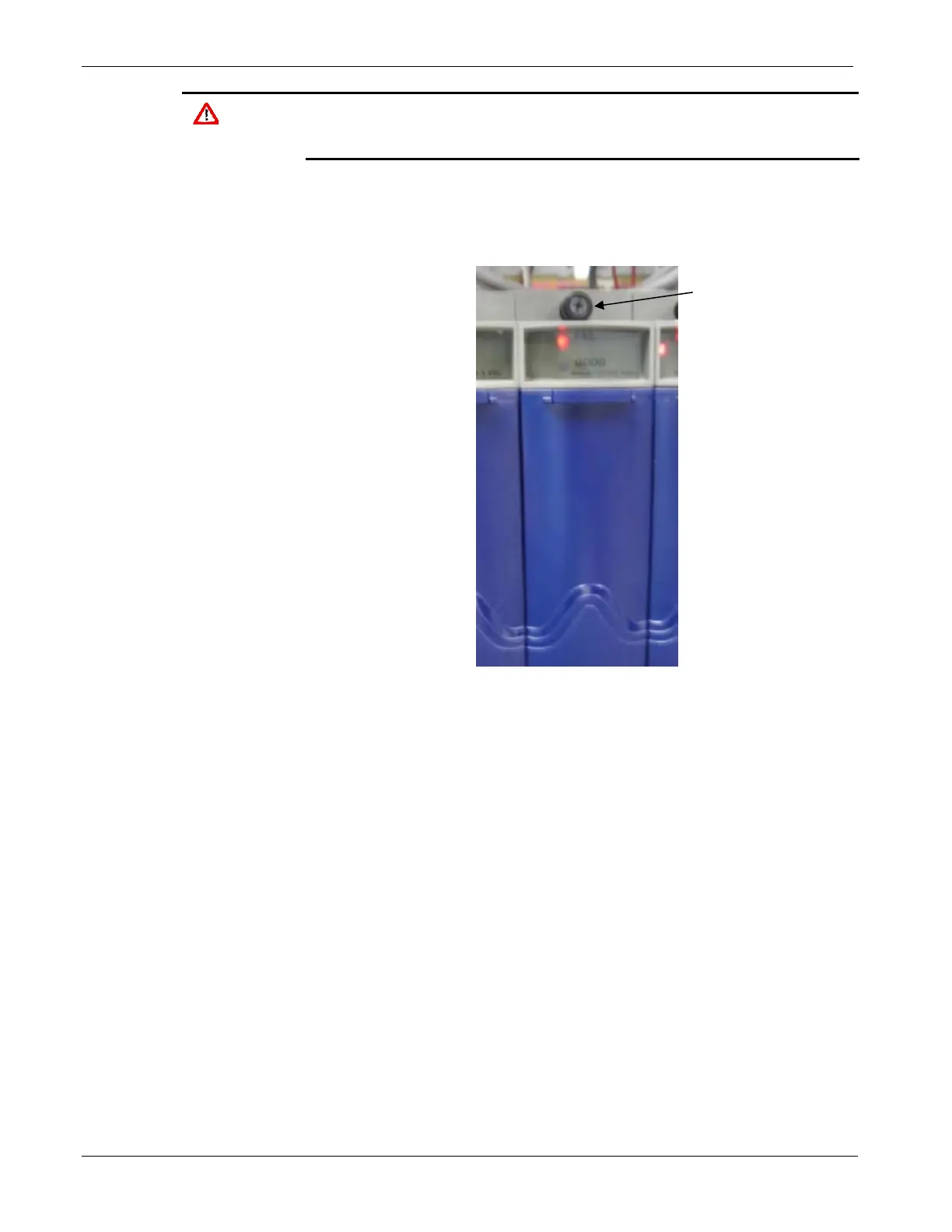
2. Loosen the capture fasteners at the top and bottom of the module
by turning them counter-clockwise.
Loosen the
capture
fasteners at the
top and bottom
of the module.
Figure 5-5. I/O Module to Be Replaced
3. Open the bezel door and grasp the handle. Pull the entire module
out of the chassis.
5-8 Service & Troubleshooting Revised Nov-2010







 To Next Page