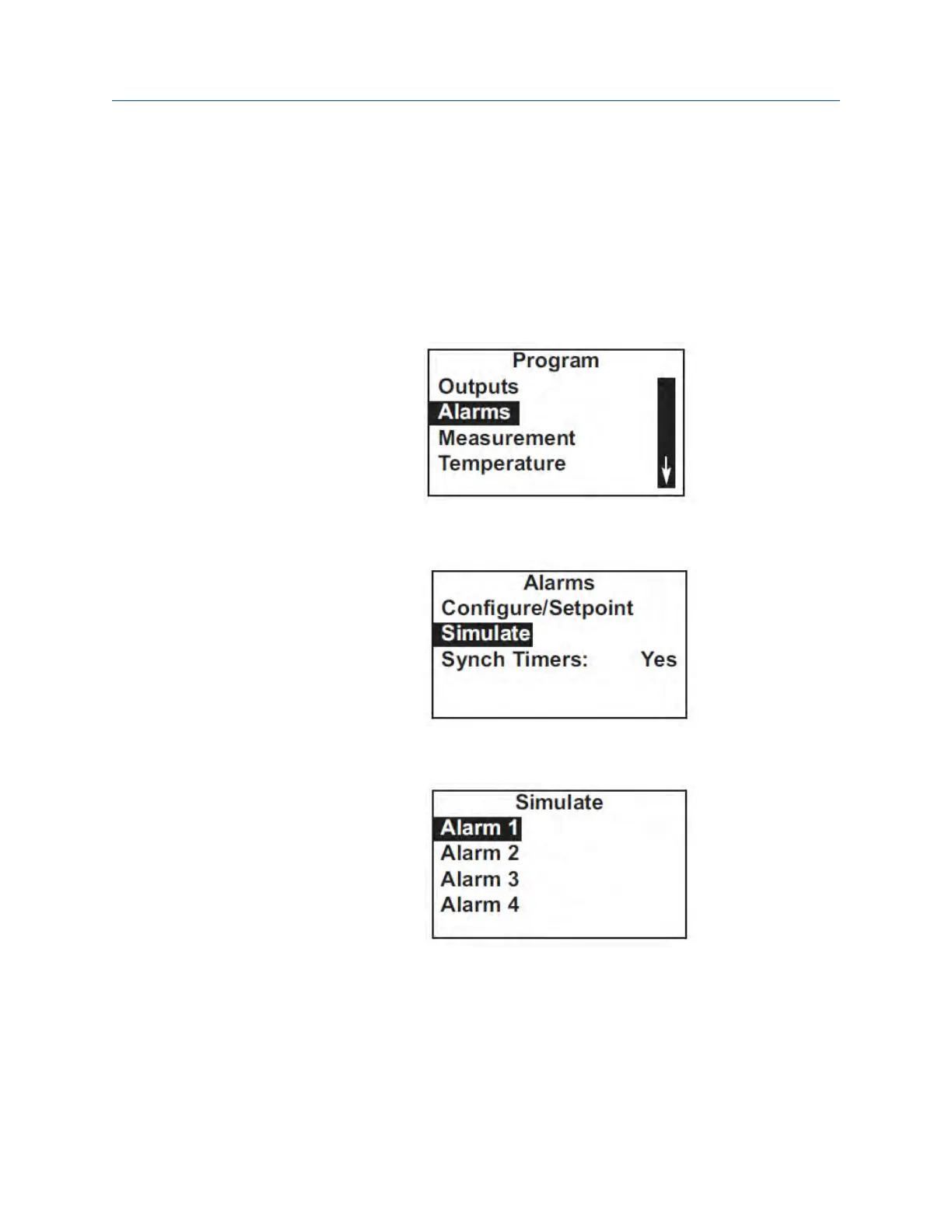
7.4.4 Procedure - simulating alarms
Complete the following steps to make the transmitter energize or de-energize an alarm
relay.
1. Press MENU.
The main Menu screen appears.
2. Move the cursor to Program and press ENTER.
3. Choose Alarms.
4. Choose Simulate.
5. Choose Alarm 1, Alarm 2, Alarm 3, or Alarm 4.
Programming the transmitter
50 Rosemount TCL



 To Next Page
 Loading...










