12
3.2LoggingMethod
AftercompletetheIPsettingsfromlastsection,youcannowaccesstheweb‐basedconfiguration
menu.
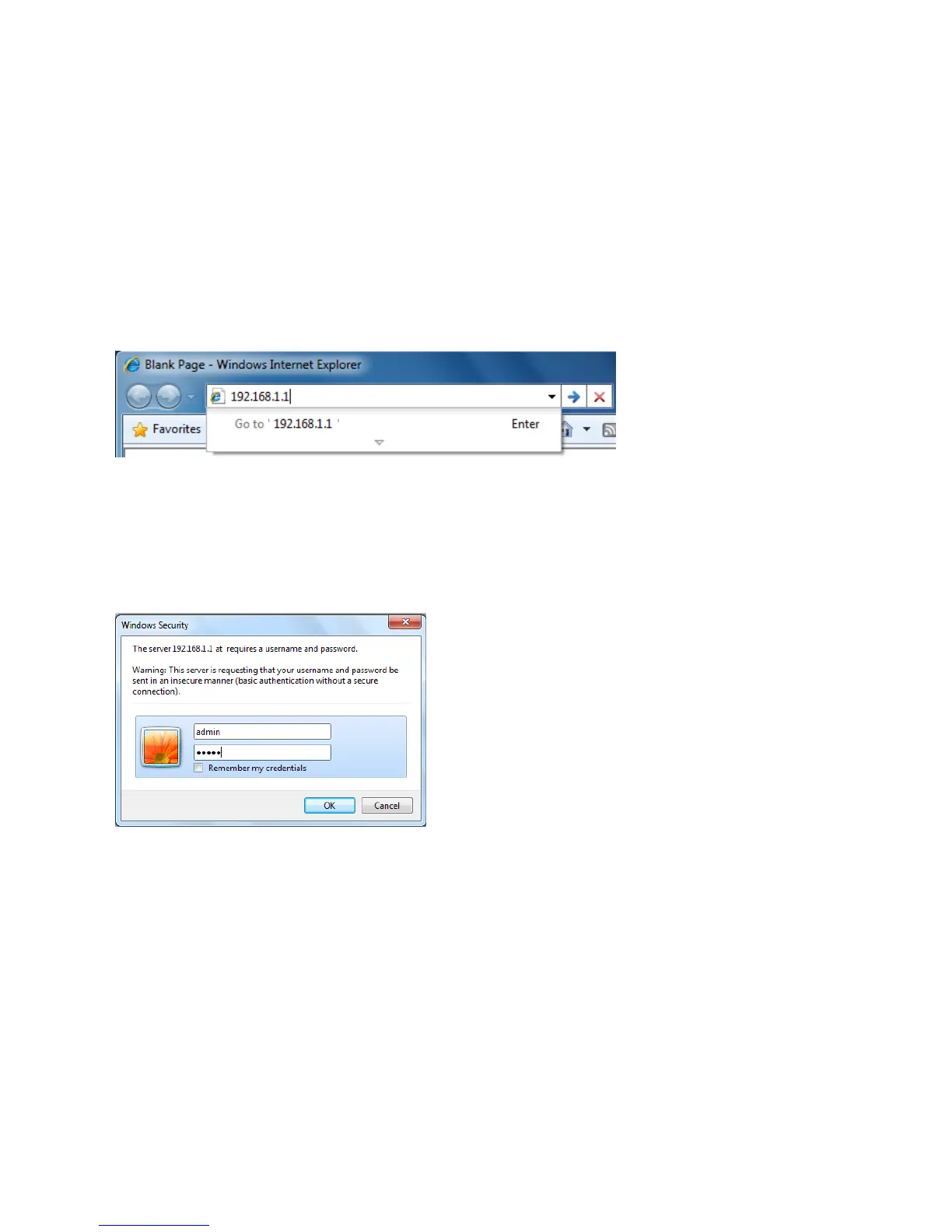
1.Openwebbrowser
2.EnterIP192.168.1.1intoyouaddressfilter.
Auction:IfyouhavechangedtheEOC5611PLANIPaddress,makesureyouenterthecorrectIP
Address.
3.AfterconnectedtotheEOC5611Psuccessfully,browserwillpopoutaWindowsSecuritywindow.
PleaseenterthecorrectUsernameandPassword.
4.ThedefaultUsernameandPasswordarebothadmin.
Auction:IfyouhavechangedtheUsernameandPassword,pleaseenteryourownUsernameand
Password.



 To Next Page