62
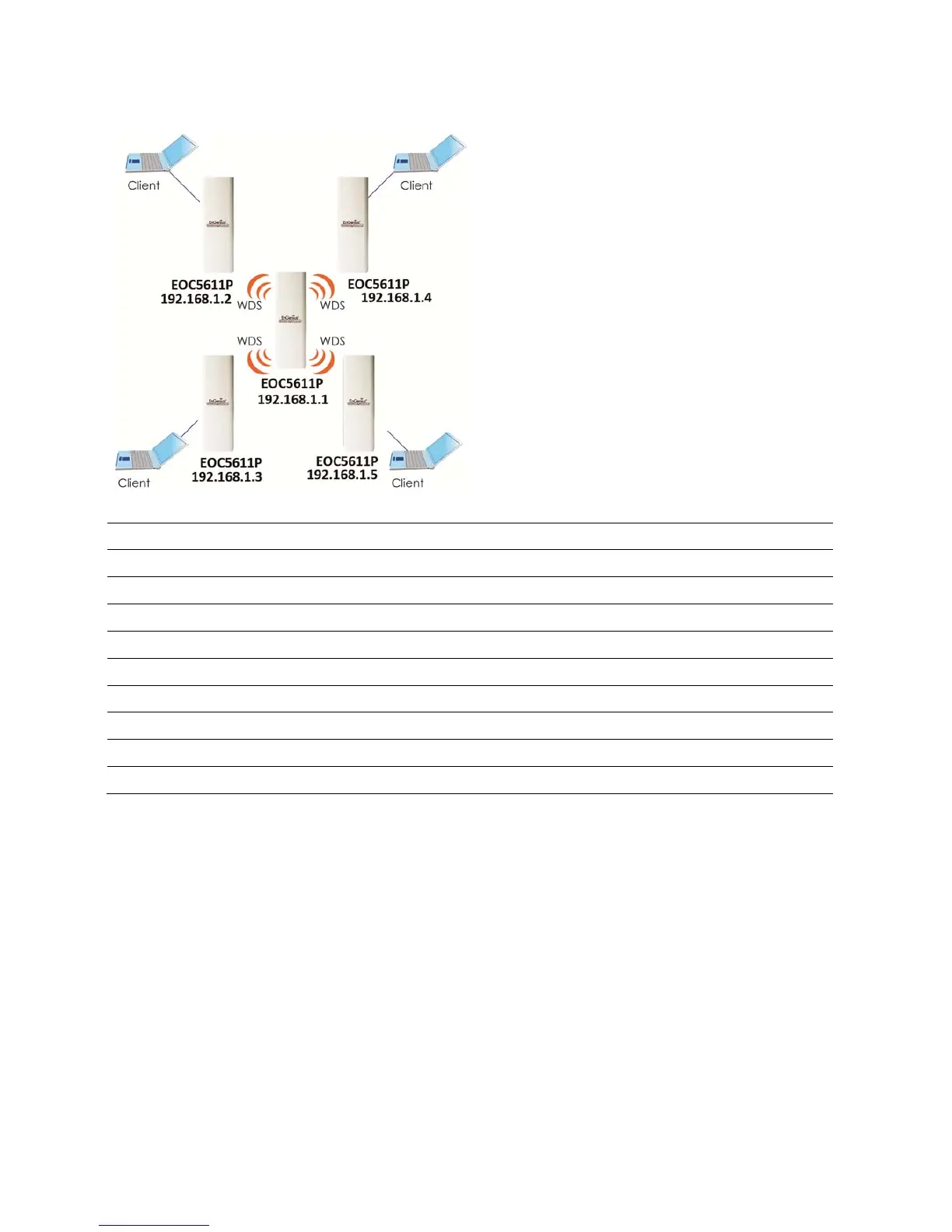
WDSBridge
Step1 Logintotheweb‐based configurationinterfacewithdefaultIP192.168.1.1
Step2 Selectyourcountryorregion’ sregulation.
Step3 SelectOperationModetoWDSBridgefromSystemProperties.
Step4 802.11a/b/gwirelessnetwork.
Step5 Selectchannelyouwouldliketouse.
Step6 Setuptheauthen ticationsettings
Step7 SetupWDSLinkSettings.
Step8 SpecifytheAP’sMACaddressyouwouldliketoconnectwith.
Step9 PressApplytoprocessalltheconfigura tions.
Auction:EachWDSbridge’sdevicemustusethesameSubnet,WirelessMode,WirelessChannel,andSecuritySetting.
9.4ClientRouter
IntheClientRouterMode,theEOC5611PhasDHCPServerbuildinsidethatallowsmany LANs
automaticallygenerateanIPaddresstosharethesameInternet.ConnectanAP/WISPWirelesslyand
connecttoLANsviawired.ClientRouterModeisactcompletelyoppositetotheAPRouterMode.



 To Next Page