53
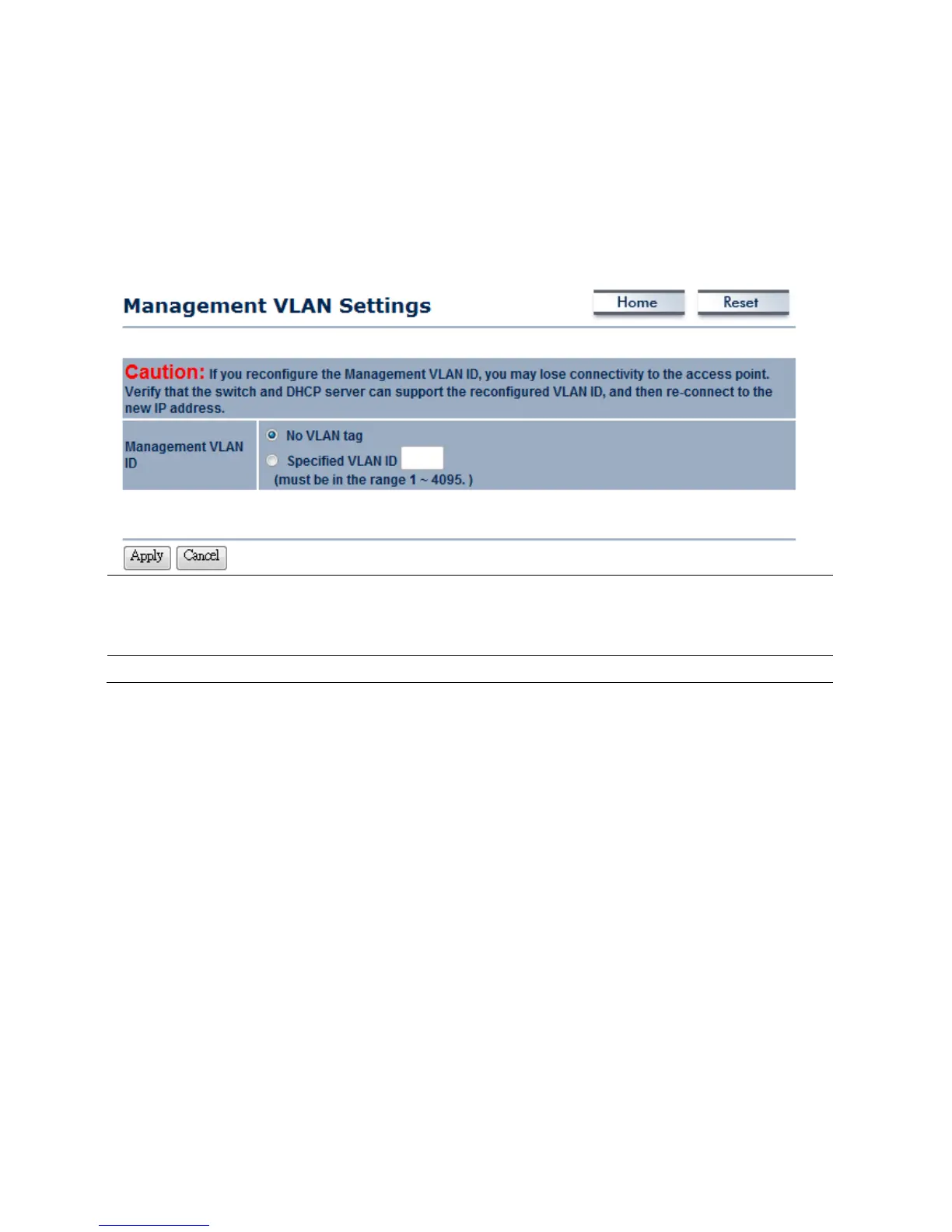
8.2Management→ManagementVLAN
ClickontheManagementVLANlinkundertheManagementmenu.Thisoptionallowsyoutoassign
aVLANIDtothepacketsonwirednetwork.ManagementVLAN(Wired)isusedtomanageyour
deviceifthecomputerhasauthorizedVLANID.IfyouwouldliketouseManagementVLANfunction,
youmustenableProfileIsolationatWirelessNetworksection.
ManagementVLANID
If your network includes VLANs and if tagged packets need to pass through the
AccessPoint, specifytheVLANIDintothisfield.Ifnot,selecttheNoVLANtagradio
button.
Apply/Cancel
PressApplytoapplythechangesorCanceltoreturnpreviousset tings.
Auction:IfyoureconfiguretheManagementVLANID,youmayloseconnectiontotheEOC5611P.
VerifyDHCPservercansupportthereconfiguredVLANID,andthenre‐connecttothenewIP
address.



 To Next Page