55
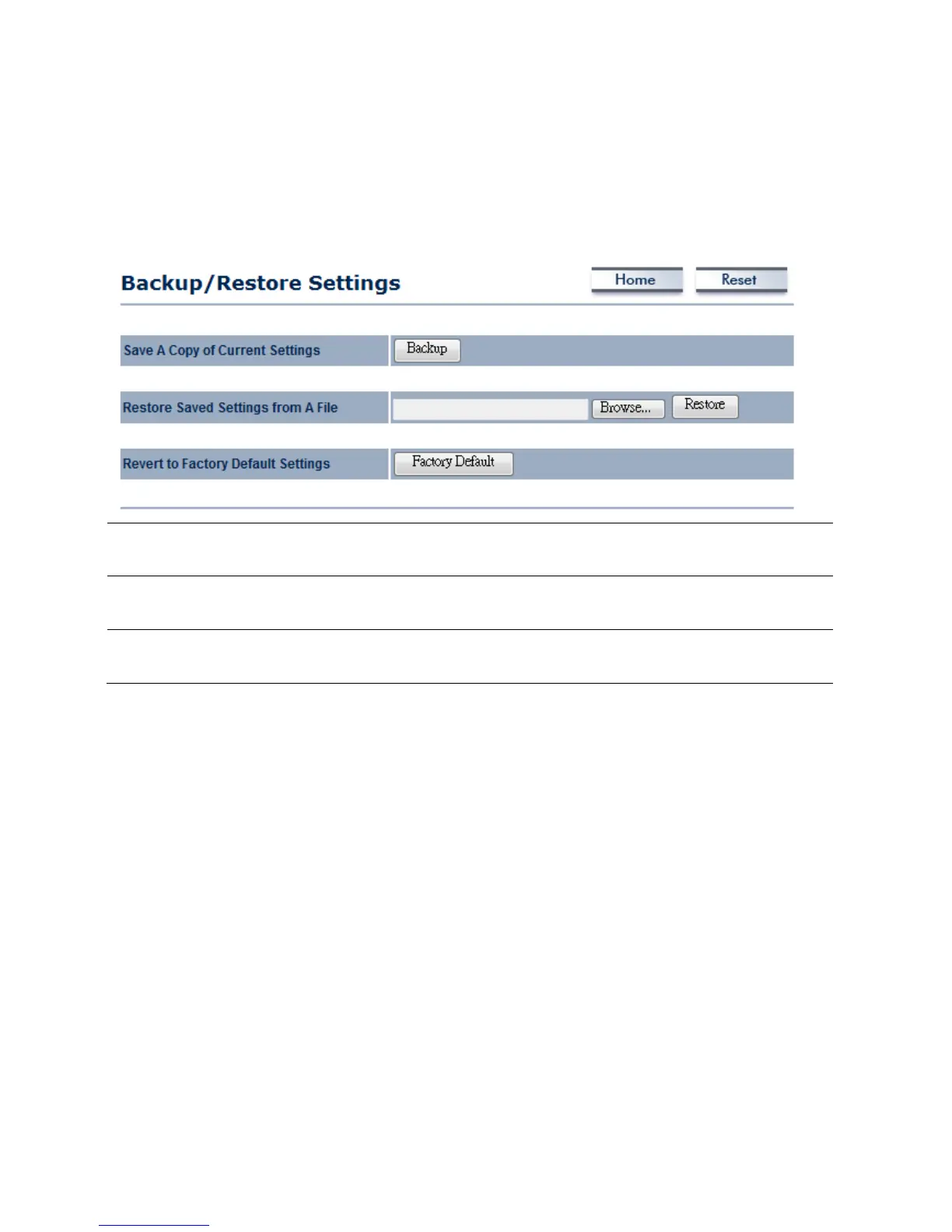
8.4Management→Backup/RestoreSettings
ClickontheBackup/RestoreSettinglinkundertheManagementmenu.Thisoptionisusedtosave
thecurrentsettingsofthedeviceinafileonyourlocaldiskorloadsettingsontothedevicefroma
localdisk.Thisfeatureisveryhandyforadministratorswhohaveseveraldevicesthatneedtobe
configuredwiththesamesettings.
SaveACopyofCurrent
Settings
ClickonBackuptosavecurrentconfiguredsettings.
RestoreSavedSettings
fromaFile
EOC5611Pcanrestoreaprevioussettingthathasbeensaved.ClickonBrowseto
selectthefileandRestore.
ReverttoFactoryDefault
Settings
ClickonFactoryDefaultbuttontoresetallthesettingstothedefaultvalues.



 To Next Page