59
8.8Management→Diagnostics
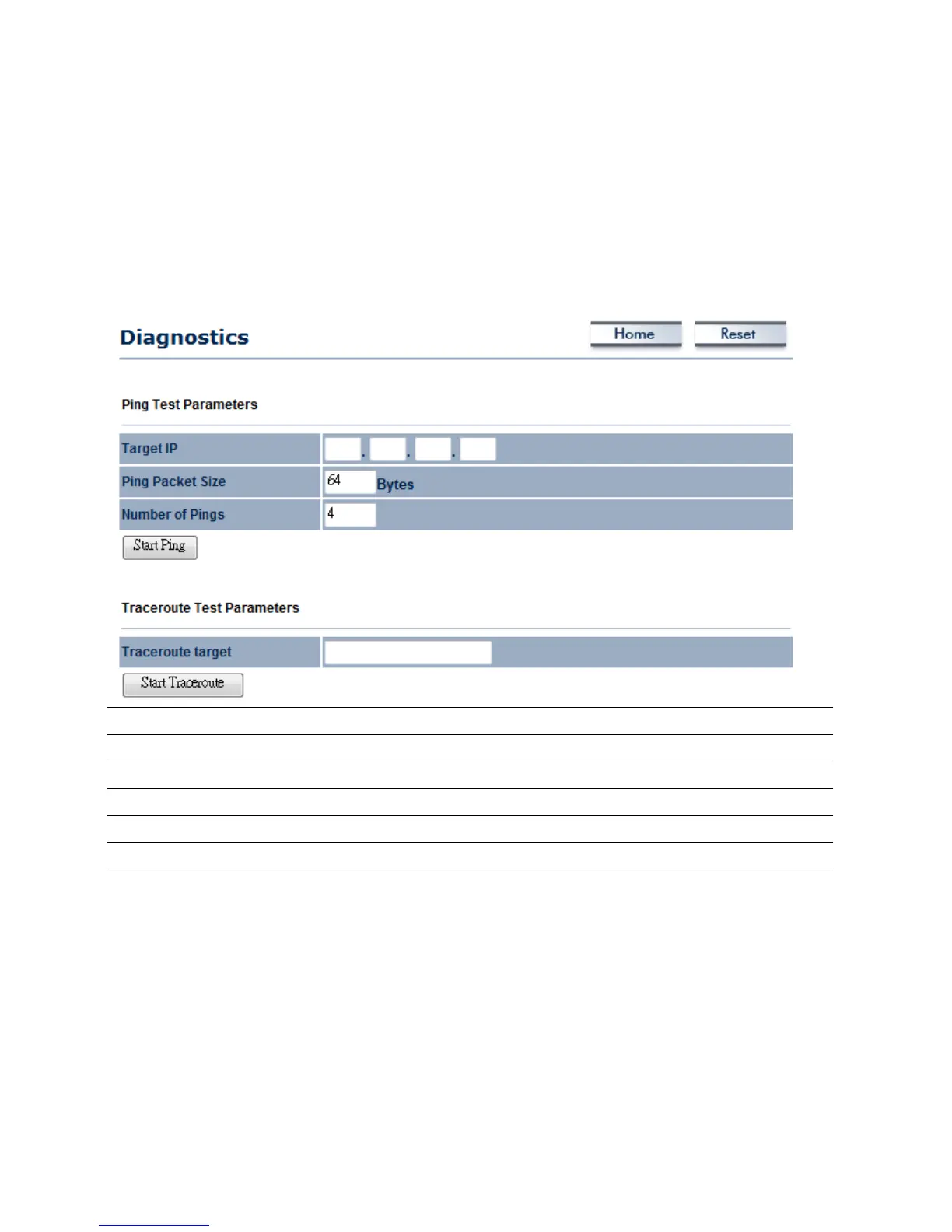
ClickontheDiagnosticslinkundertheManagementmenu.Thisfunctionallowsyoutodetect
connectionqualityandtracetheroutingtabletothetarget.Traceroutecanhelpyoutomanageyour
networkbydetectinganyroutingduringthetransmission.IfanyroutersrefusetoreplyICMPpacket,
theresultwill
show*signforitsDomainNameorIPAddress.
TargetIP
SpecifytheIPaddressyouwouldliketosearch.
PingPacketSize
Specifythepack etsizeofeachping.
NumberofPings
Specifyhowmanytimesofping.
StartPing
PressStartPingtobegin.
TracerouteTarget
SpecifyanIPaddressorDomainnameyouwouldliketotrace.
StartTraceroute
PressStartTraceroutetobegin.



 To Next Page