63
PleaserefertothelastsectiontocheckAccesspoint’sconfiguration.
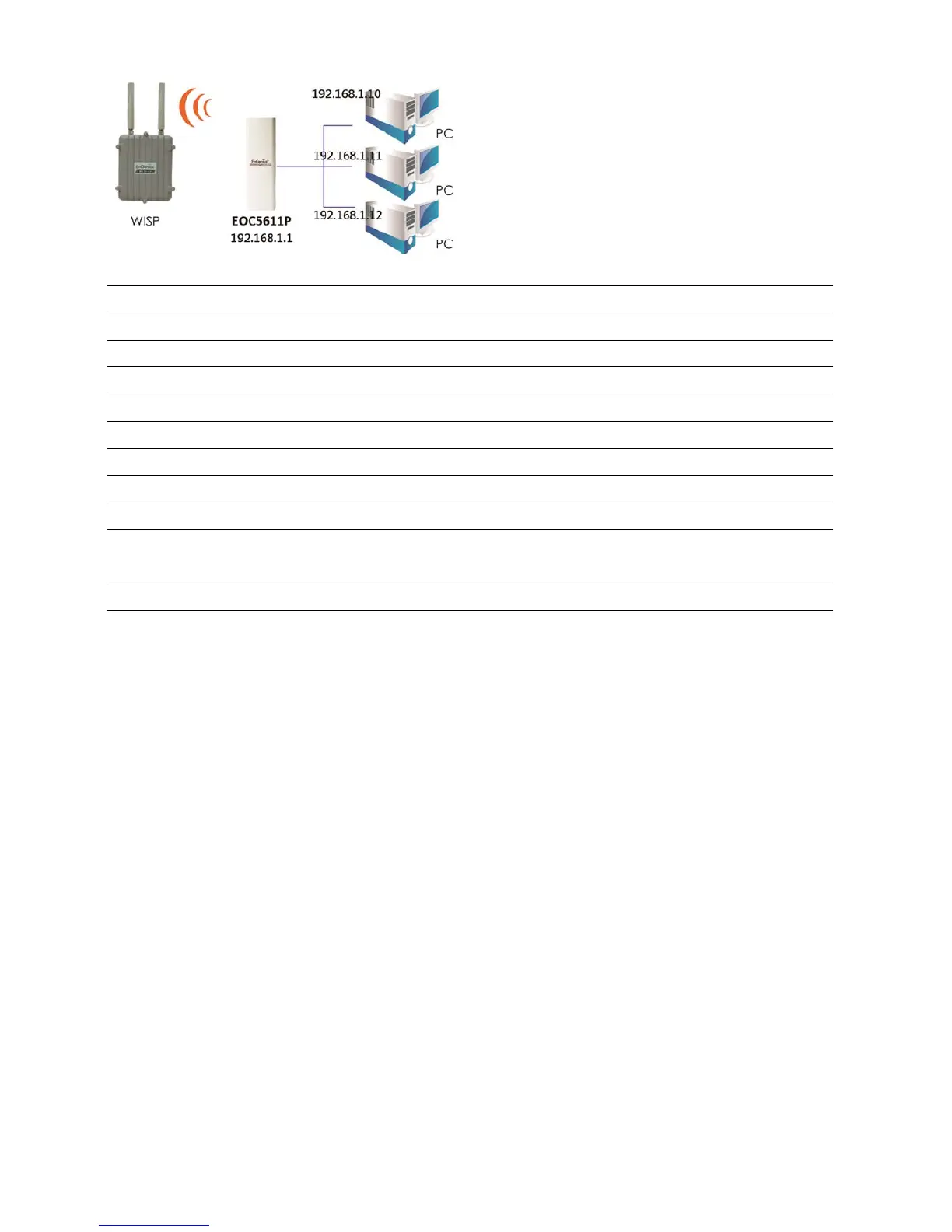
ClientRouter
Step1 Logintotheweb‐based configurationinterfacewithdefaultIP192.168.1.1
Step2 Selectyourcountryorregion’ sregulation.
Step3 SelectOperationModetoClientRouterfromSystemProperties.
Step4 ChangeyourLocalAreaNetworksettingtoObtainanIPAddressAutomatically.
Step5 802.11a/b/gwirelessnetwork.
Step6 Usesit esurveytoscanAccessPointsthatareavailableinnearbyarea.
Step7 SelecttheAPyouwouldliketoassociatewith.
Step8 Setuptheauthen ticationsettingsthatmatchtotheAccessPoint’ ssetting.
Step9 SetupyourWANconnectiontypegivenbyyourInternetServiceProviderfromWAN
Settings.
Step10 PressApplytoprocessalltheconfigura tions.
Auction:ClientRouter’ sIPsettingmustmatchtotheAccessPoint’ ssubnet.



 To Next Page