Operation
Centrifuge 5702/5702 R/5702 RH
English (EN)
24
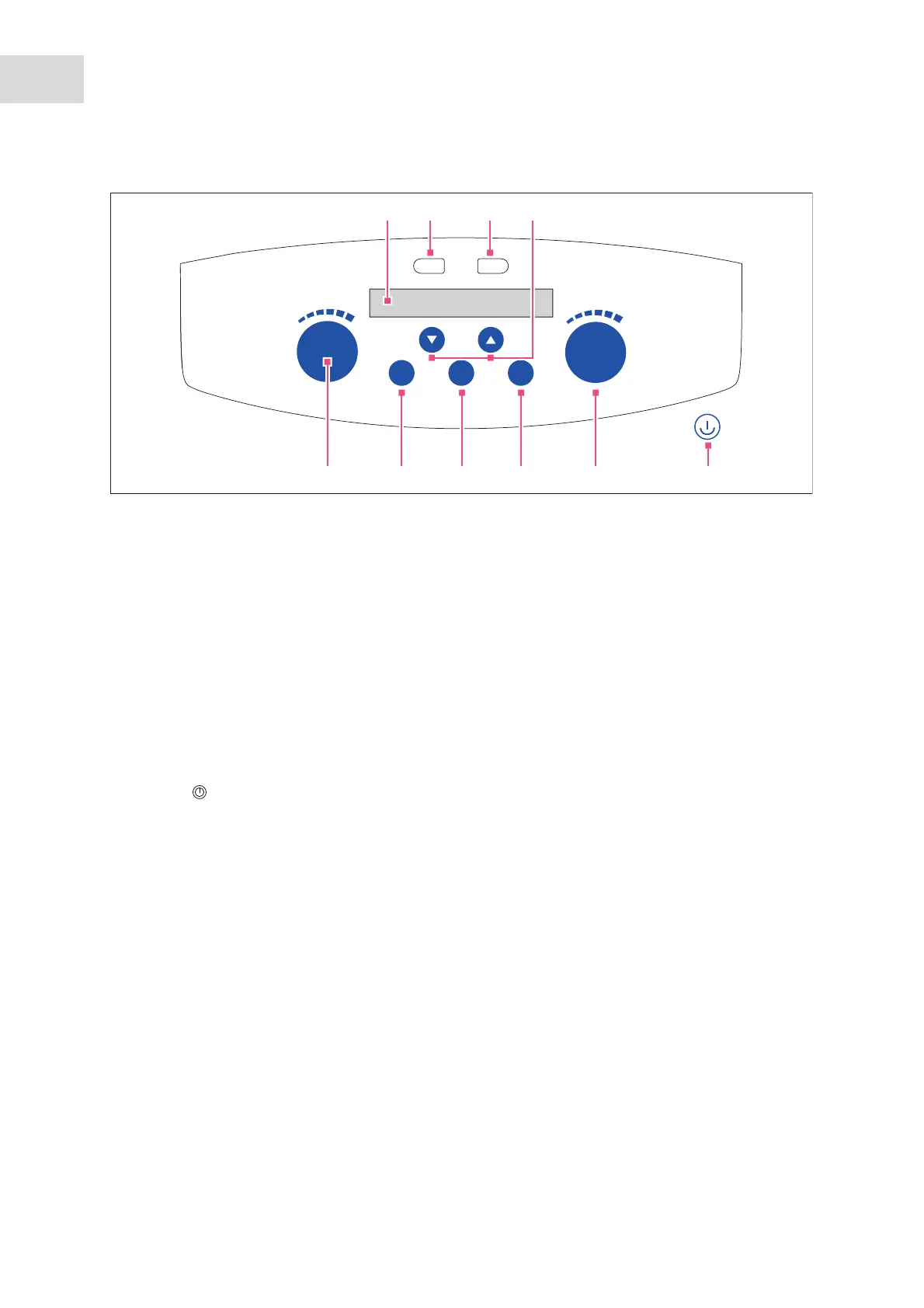
Abb. 5-2: Operating contr ols Centrifuge 57 02 R, Centri fuge 5702 RH
Fig. 5-2: Operating controls Centrifuge 5702 R, Centrifuge 5702 RH
1Display
2prog 1 key
Press the key briefly: Load program 1.
Press the key for > 2 s: Save current parameters.
3prog 2 key
Press the key briefly: Load program 2.
Press the key for > 2 s: Save current parameters.
4Arrow keys temp
Set the temperature.
Keep the arrow key pressed: Quick setting
5Standby key
Activate/deactivate standby mode
Key lights up green: Centrifuge is ready for
operation
The key lights up red: Standby mode is active
6 Rotary knob speed
Turn the knob: Set the speed of centrifugation.
Press the knob: Switch display of centrifugation
speed (rpm or rcf)
7open key
Release the lid.
8 fast temp key
Start a temperature control run FastTemp.
9short key
Short run centrifugation
10 Rotary knob time
Turn the knob: Set the centrifugation time.
Press the knob: Starting and stopping
centrifugation.
time
press start/stop
speed
press rpm/rcf
short
fast
temp
open
temp
prog
1 2
10 9 8 7 6 5
21
3
1
4



 To Next Page