Maintenance and Transportation 281
8
❏ Power cord
❏ Interface cable
❏ Paper
❏ Photoconductor unit
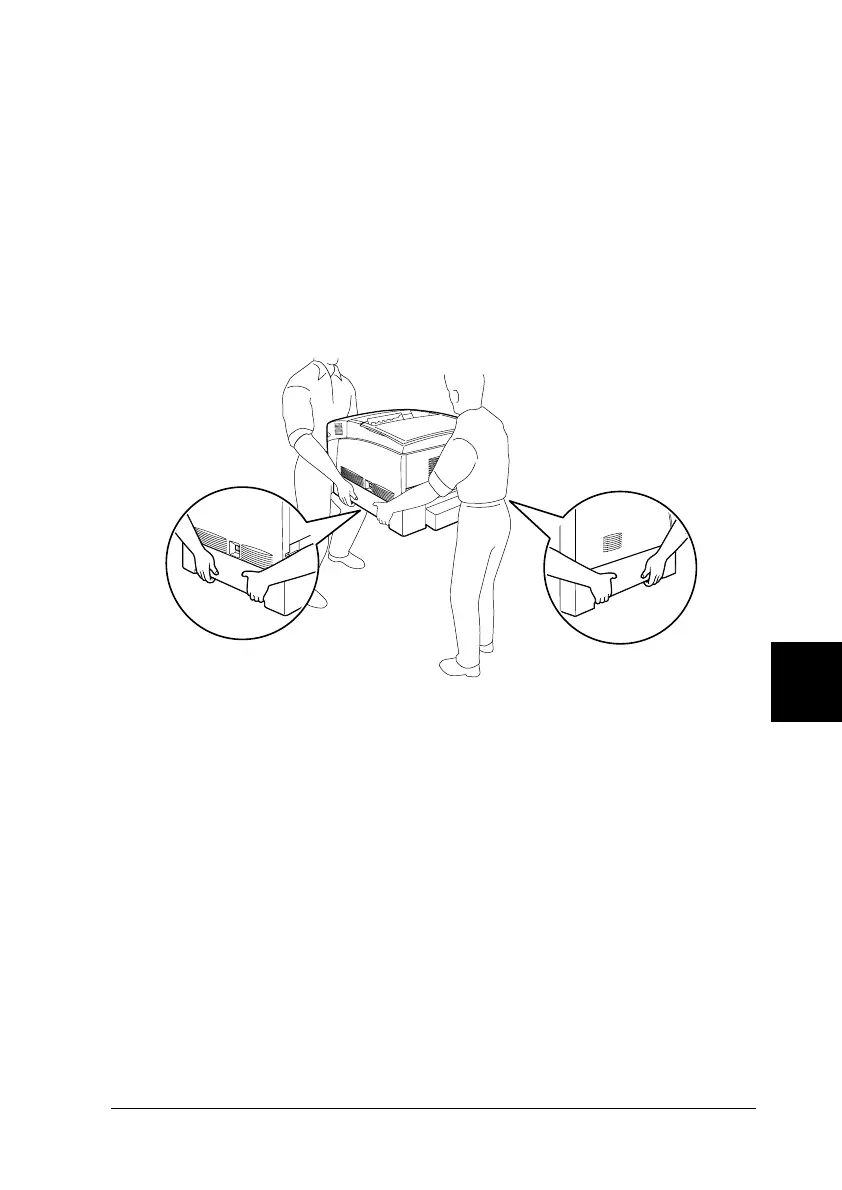
2. Be sure to lift the printer with two or more people.
c
Caution:
Do not hold the printer by the MP tray.
3. When moving the printer, always keep it horizontal.
Moving the printer with the Large Capacity Paper Unit
installed
Follow these steps to move the printer together with the optional
Large Capacity Paper Unit.
1. Turn off the printer and remove the following items:






 To Next Page