Working with Fonts 381
C
C
C
C
C
C
C
C
C
C
C
C
The following codes are inserted automatically and need not be
input by hand:
❏ Left/Right quiet zone
❏ Check digit
❏ Start/Stop character
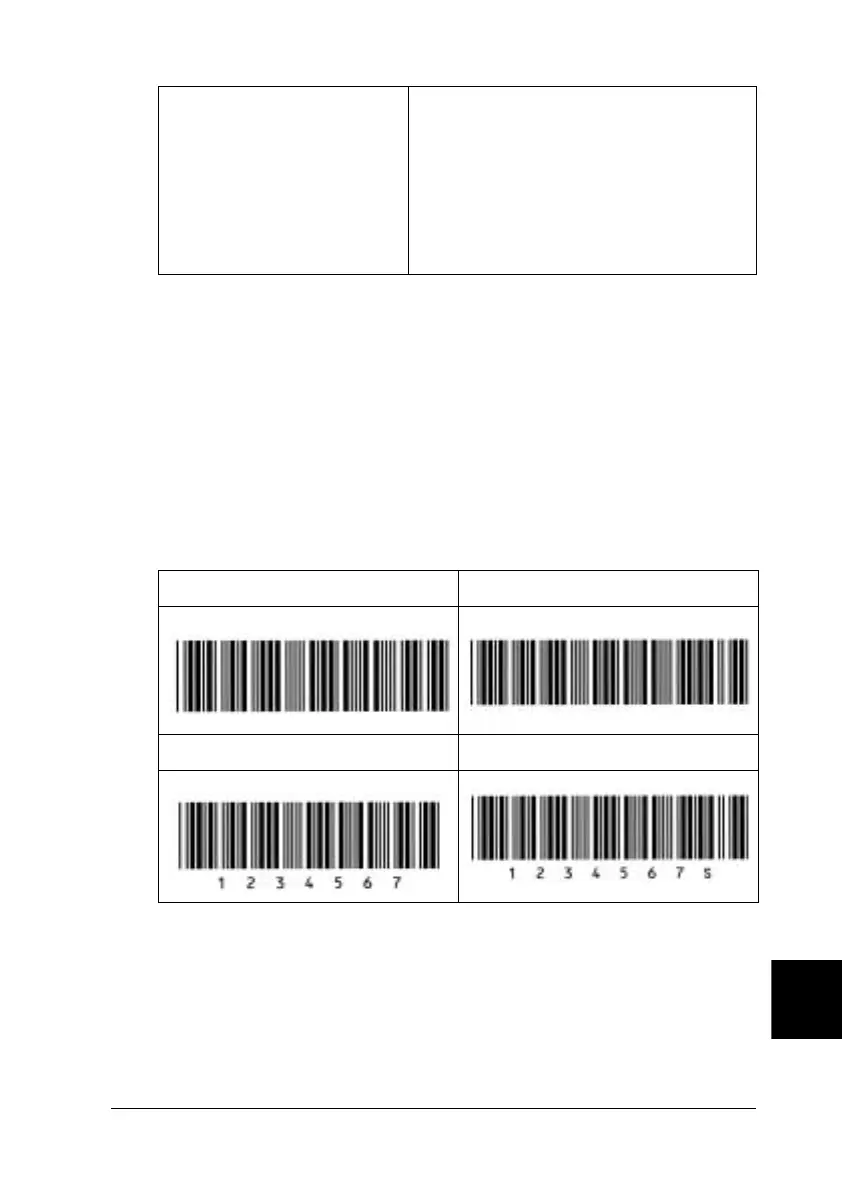
Print sample
EPSON Code128
❏ Code128 fonts support code sets A, B, and C. When the code
set of a line of characters is changed in the middle of the line,
a conversion code is automatically inserted.
Font size When OCR-B is not used: 26 pt or more (up
to 96 pt in Windows XP, 2000 or NT).
Recommended sizes are 26 pt, 52 pt, 78 pt
and 104 pt.
When OCR-B is used: 36 pt or more (up to
96 pt in Windows XP, 2000 or NT).
Recommended sizes are 36 pt, 72 pt, 108
pt and 144 pt.
EPSON Code39 EPSON Code39 CD
EPSON Code39 Num EPSON Code39 CD Num













 To Next Page