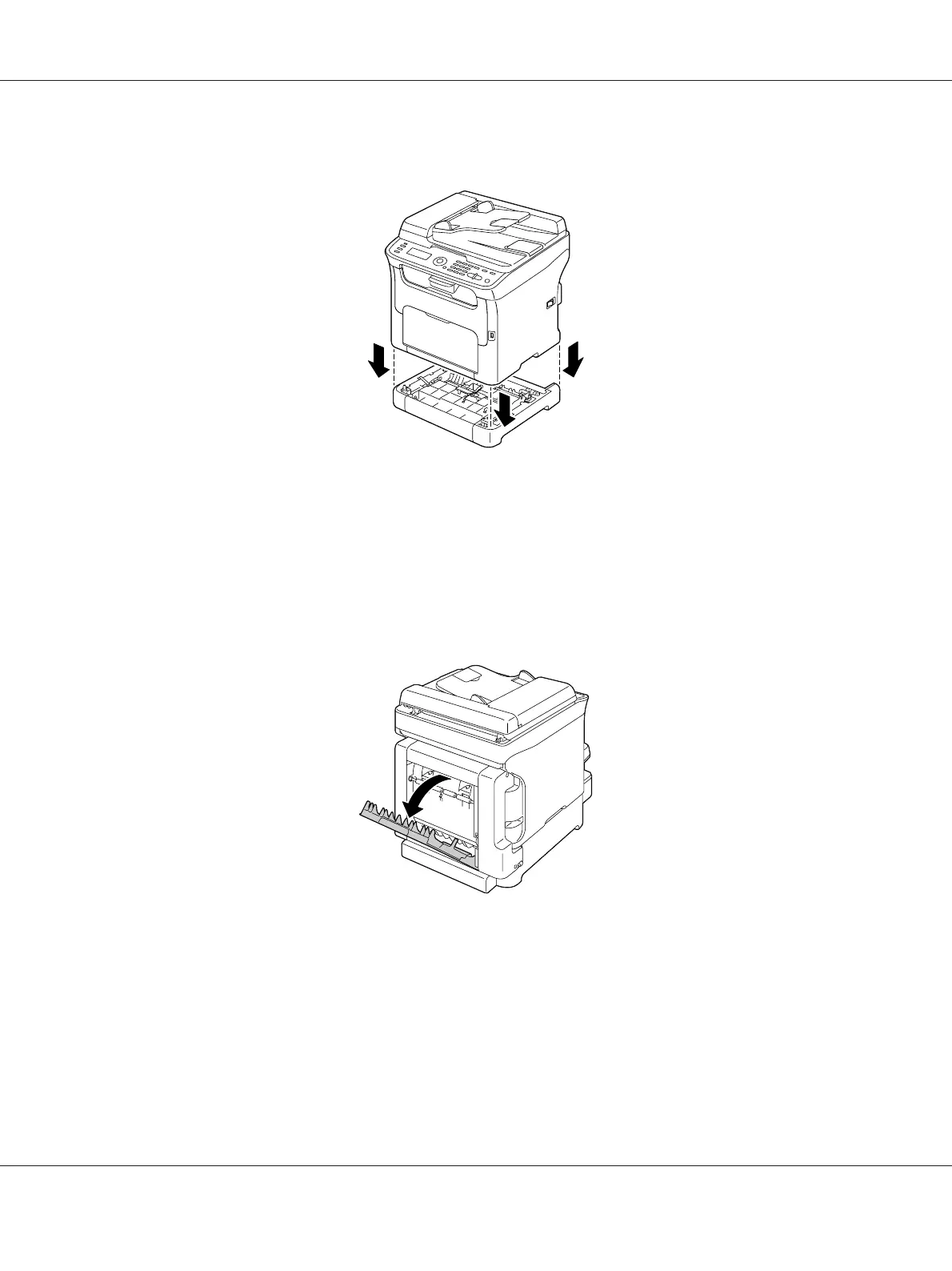
5. Lift the machine and reinstall it on top of the attachment.
6. Open Tray 1 and reattach the dust cover.
7. If you removed the duplex option in step 1, reinstall it.
Cleaning the Media Feed Rollers for the Duplex (AcuLaser CX16NF only)
1. Open the duplex door.
AcuLaser CX16 Series Printer / Copier / Scanner User’s Guide
Maintenance 144



 To Next Page
 Loading...








