111
you do need to use these devices at the same time, make sure there is enough distance between
them and the Bluetooth device.
Parent topic: Technical Specifications
Projector Safety and Approvals Specifications
United States FCC Part 15B Class A (DoC)
UL62368-1 2nd edition (cTUVus Mark)
Canada ICES-003 Class A
CSA C22.2 No.62368-1-14 (cTUVus Mark)
Parent topic: Technical Specifications
Supported Video Display Formats
For best results, your computer's monitor port or video card resolution should be set to display in the
projector's native resolution. However, your projector includes Epson's SizeWise chip that supports other
computer display resolutions, so your image will be resized to fit automatically.
Your computer's monitor port or video card refresh rate (vertical frequency) must be compatible with the
projector. (See your computer or video card manual for details.)
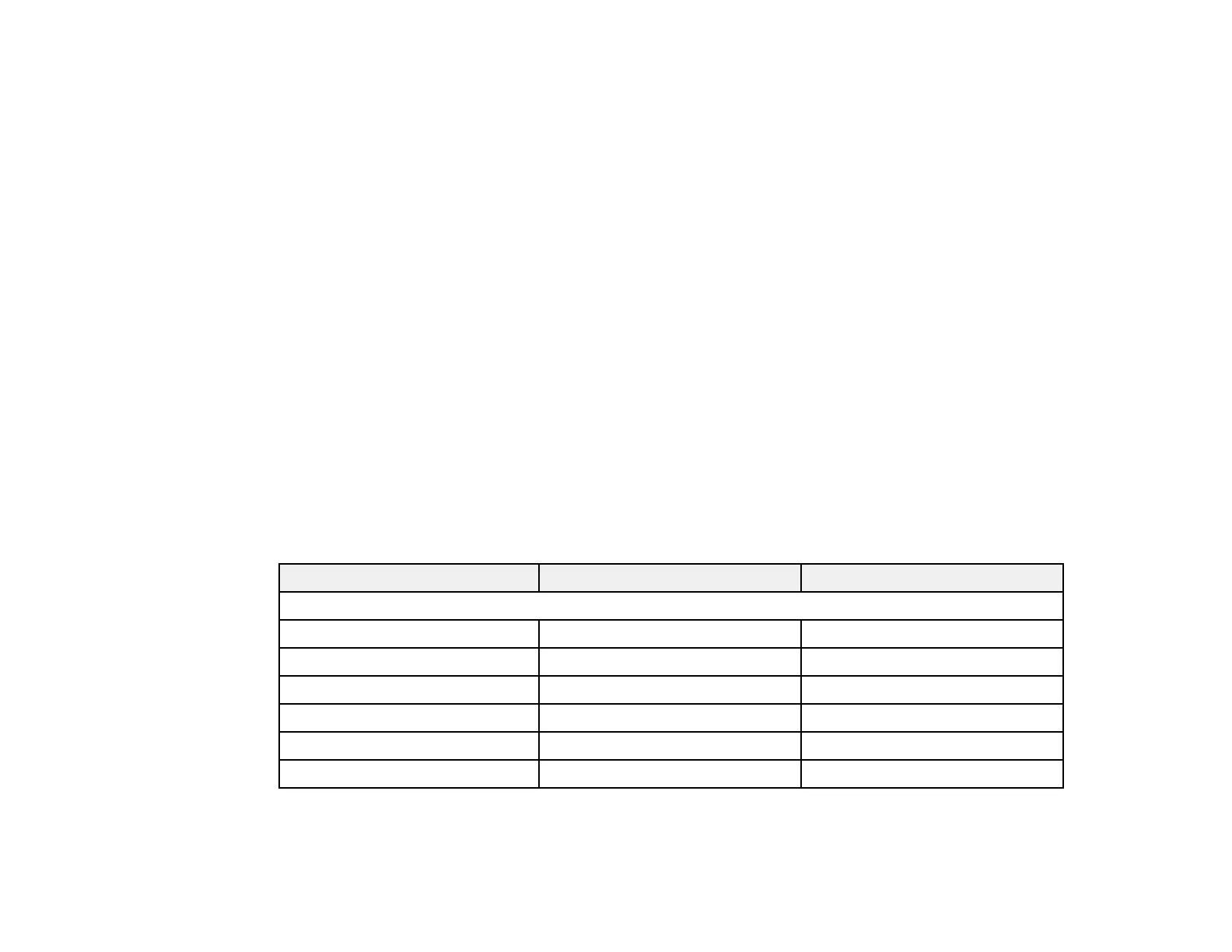
The table here lists the compatible refresh rate and resolution for each compatible video display format.
Display format Refresh rate (in Hz) Resolution (in pixels)
HDMI Input Signals
VGA60*
1
60 640 × 480
SDTV (480i/480p) 59.94 720 × 480
SDTV (576i/576p) 50 720 × 576
HDTV (720p) 50/59.94/60 1280 × 720
HDTV (1080i) 50/59.94/60 1920 × 1080
HDTV (1080p) 23.98/24/29.97/30/50/59.94/60 1920 × 1080
*1 Only supports RGB 8-bit signals.



 To Next Page