38
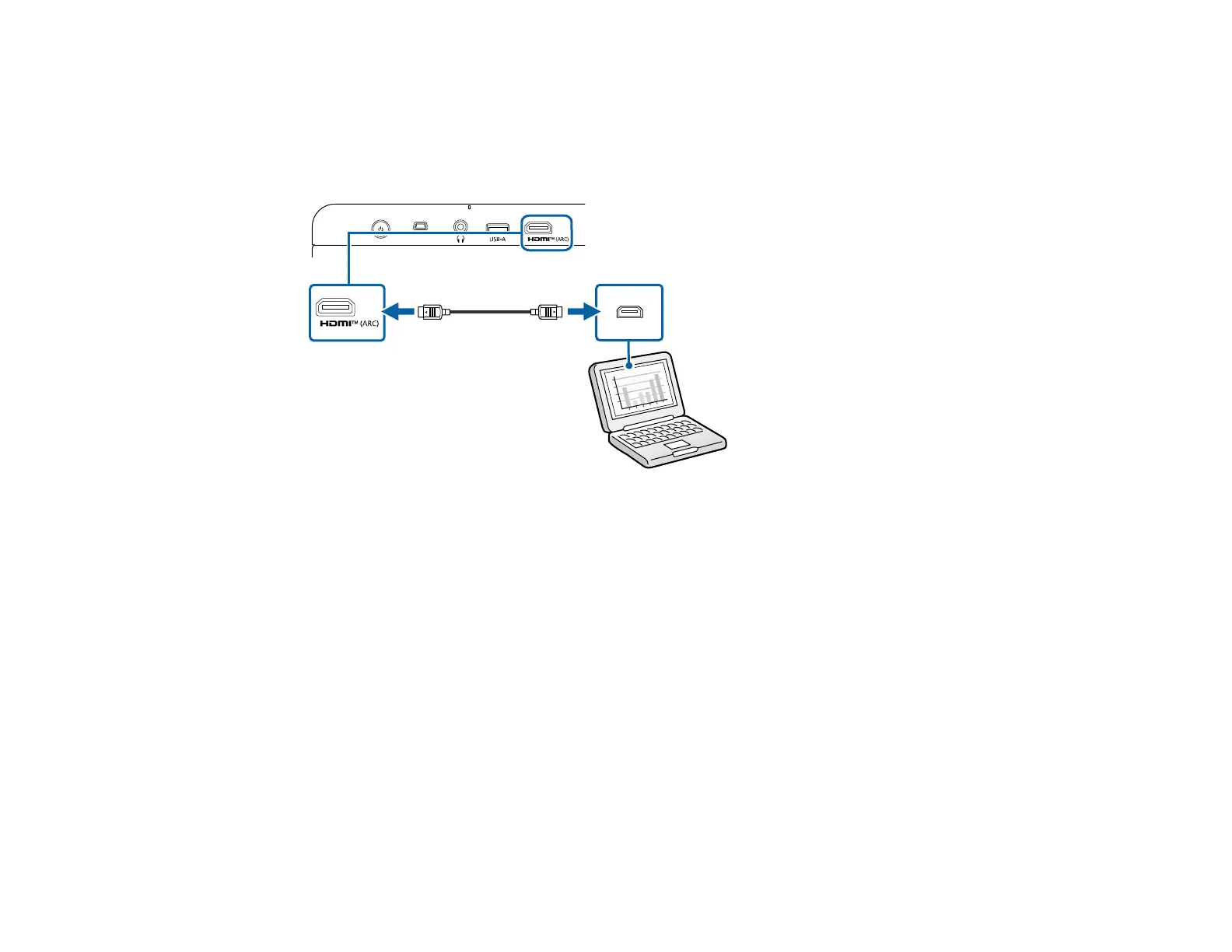
Connecting to a Computer Using HDMI
If your computer has an HDMI port, you can connect it to the projector using an HDMI cable.
1. Connect one end of an HDMI cable to your computer's HDMI port.
2. Connect the other end of the HDMI cable to the projector's HDMI (ARC) port.
Parent topic: Projector Connections
Connecting to a USB Device
You can connect a USB device or cable to the projector's USB-A port to project images from the device.
Use the USB cable supplied with the device.
Note: Do not connect a USB hub or a USB cable longer than 9.8 feet (3 m), or the device may not
operate correctly.
Make sure the USB device meets the following requirements:
• The device must be a USB flash drive, USB hard drive, a digital camera, or a microphone.
• The USB-A port is not guaranteed to operate all devices that support USB.
• You may need an app to project content from your USB device.



 To Next Page