39
• USB hard drives must be USB Mass Storage Class compliant (not all compliant devices are
supported); formatted in FAT16/32; self-powered by their own AC power supplies (bus powered drives
are not recommended); and should not have mulitple partitions.
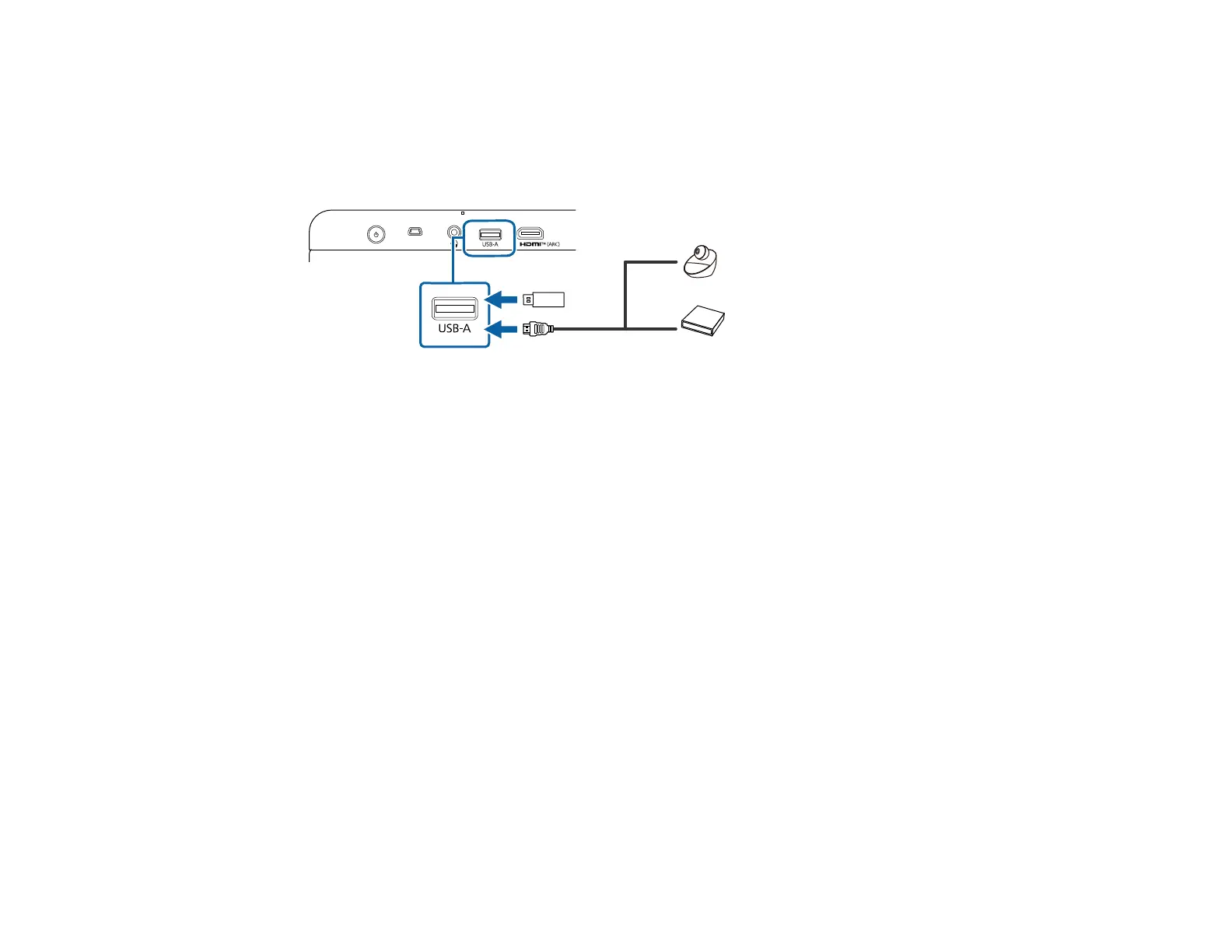
1. If your USB device came with an AC adapter, plug the device into an electrical outlet.
2. Connect the USB device or cable to the projector's USB-A port.
3. Connect the other end to the USB device as necessary.
The projector displays images stored on the USB device.
Parent topic: Projector Connections
Connecting Headphones
You can connect headphones to the projector's audio out port. You can control the volume using the
projector remote control.
Caution: Do not start a playback at a high volume setting. Sudden loud noises may cause hearing loss.
Always lower the volume before powering off, so that you can power on and then gradually increase the
volume.



 To Next Page