40
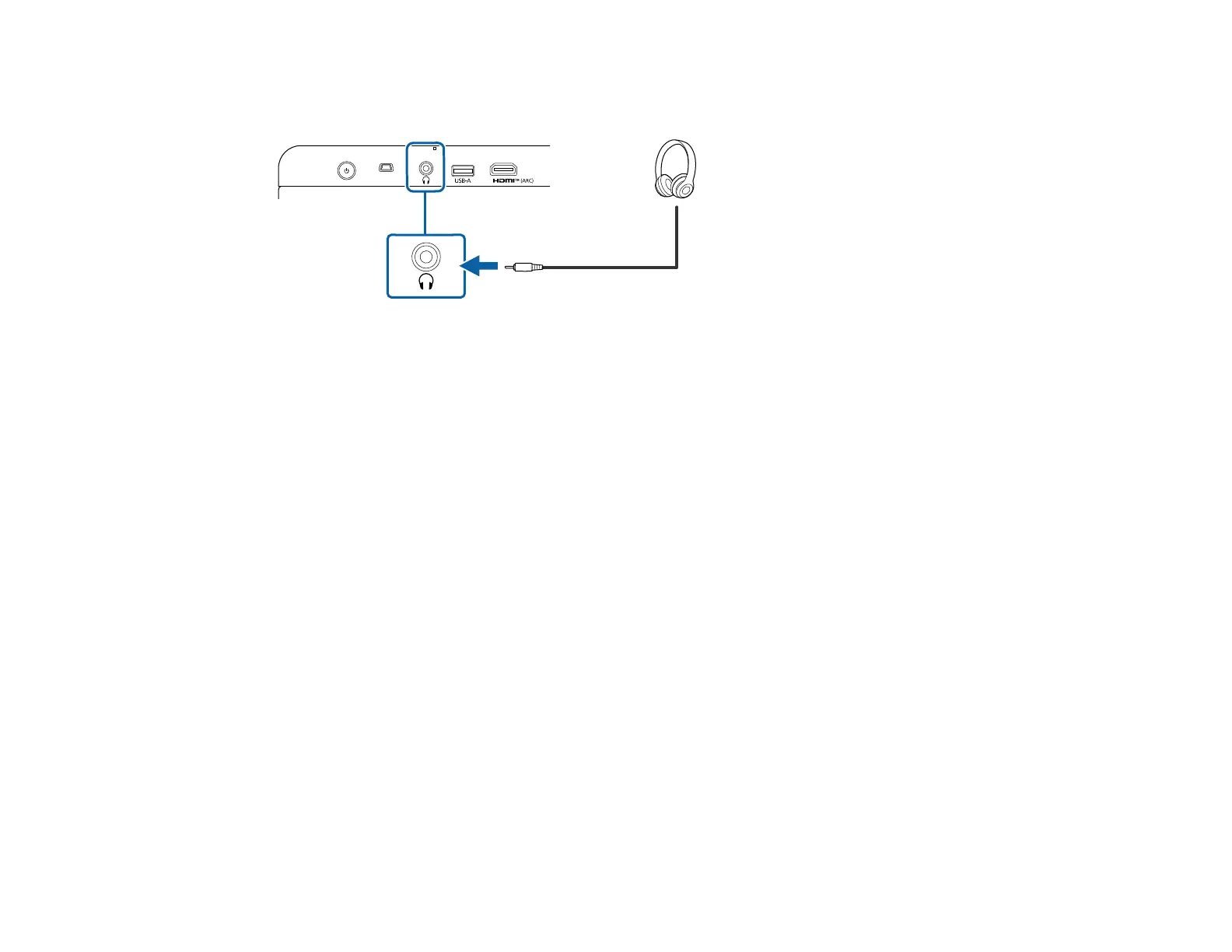
Note: The projector's audio out port only supports 3-pin stereo headphones using a 3.5-mm mini-stereo
cable. If you use any other type of headphones, audio may not be output normally.
Parent topic: Projector Connections
Connecting to External Speakers or an A/V Receiver Using HDMI ARC
If your external speakers or A/V receiver are HDMI ARC-compatible, you can connect them to the
projector's port using an optional HDMI cable.
Note:
• To output audio, set HDMI control to On in the projector's menu.
• Inputs > Inputs > HDMI control
• If audio is not output properly, try changing Auto to PCM as the Digital Output setting in the
projector's menu.
• Display & Sound > Audio Output > Digital Output
• When playing Google TV contents, audio is output in 2 ch (L-PCM).
• The following audio output formats are compatible with the HDMI (ARC) port:
• L-PCM 2 ch (48kHz/24bit)
• Dolby Digital(AC-3)
• Dolby Digital Plus
• AAC



 To Next Page