57
Correcting the Image Shape Manually
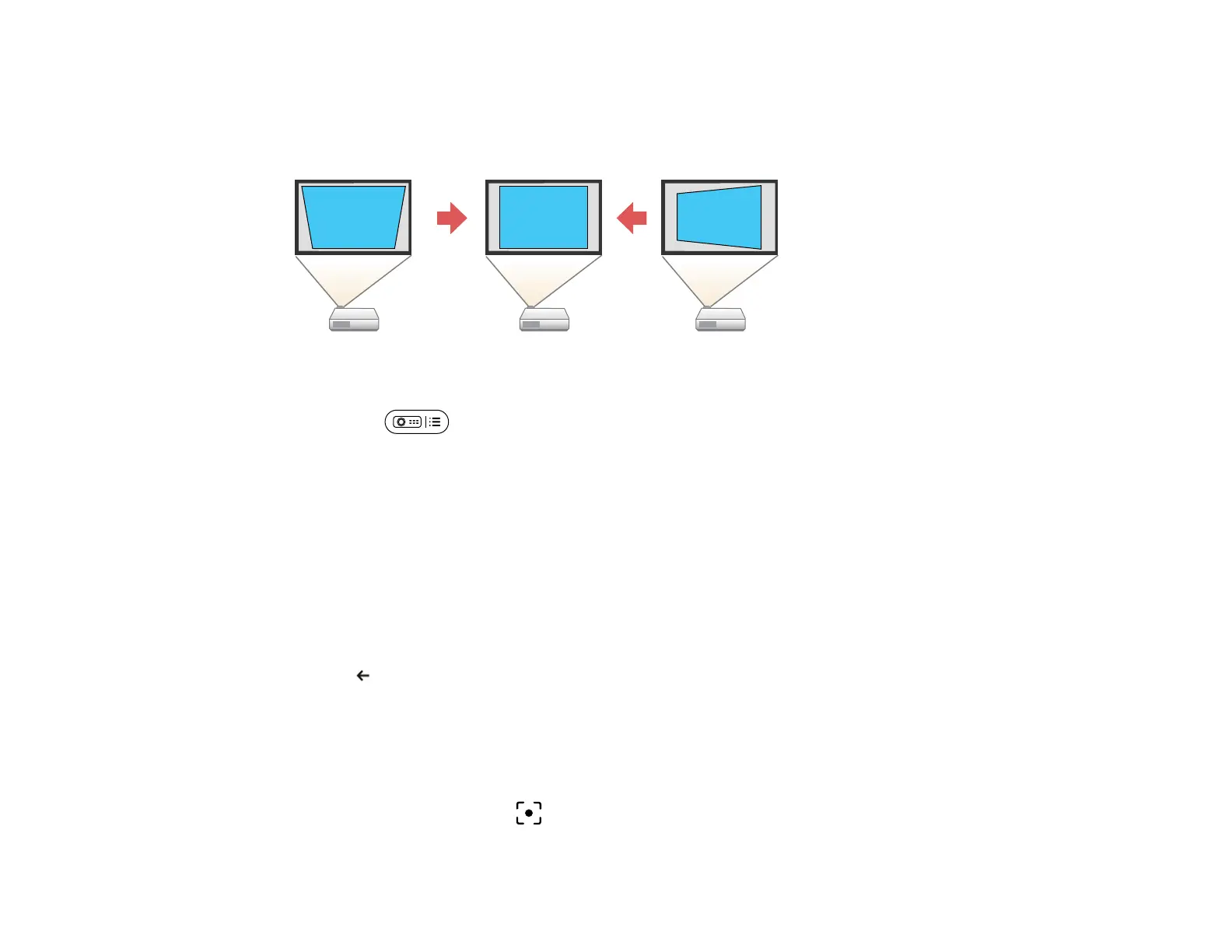
You can use the projector's Manual Keystone Correction setting to correct the shape and size of an
image that is unevenly rectangular.
1. Turn on the projector and display an image.
2. Press the projector settings button on the remote control.
3. Select Image Correction > Manual Keystone Correction.
The Manual Keystone Correction screen is displayed.
4. Use the Enter button to select the point on the image you want to adjust, and adjust the image shape
using the arrow buttons.
Note:
• If the directional key on the screen turns gray, you cannot make further adjustments in that
direction.
• To reset the corrections, press and hold the Enter button.
5. Press esc to exit the menus.
Parent topic: Image Shape
Focusing the Image Using the Projector Menus
You can correct the focus using the projector menus.
Note: When you hold down the focus button on the remote control, the focus of the projected image
is automatically corrected. If you want to manually adjust the focus, follow the steps below.



 To Next Page