41
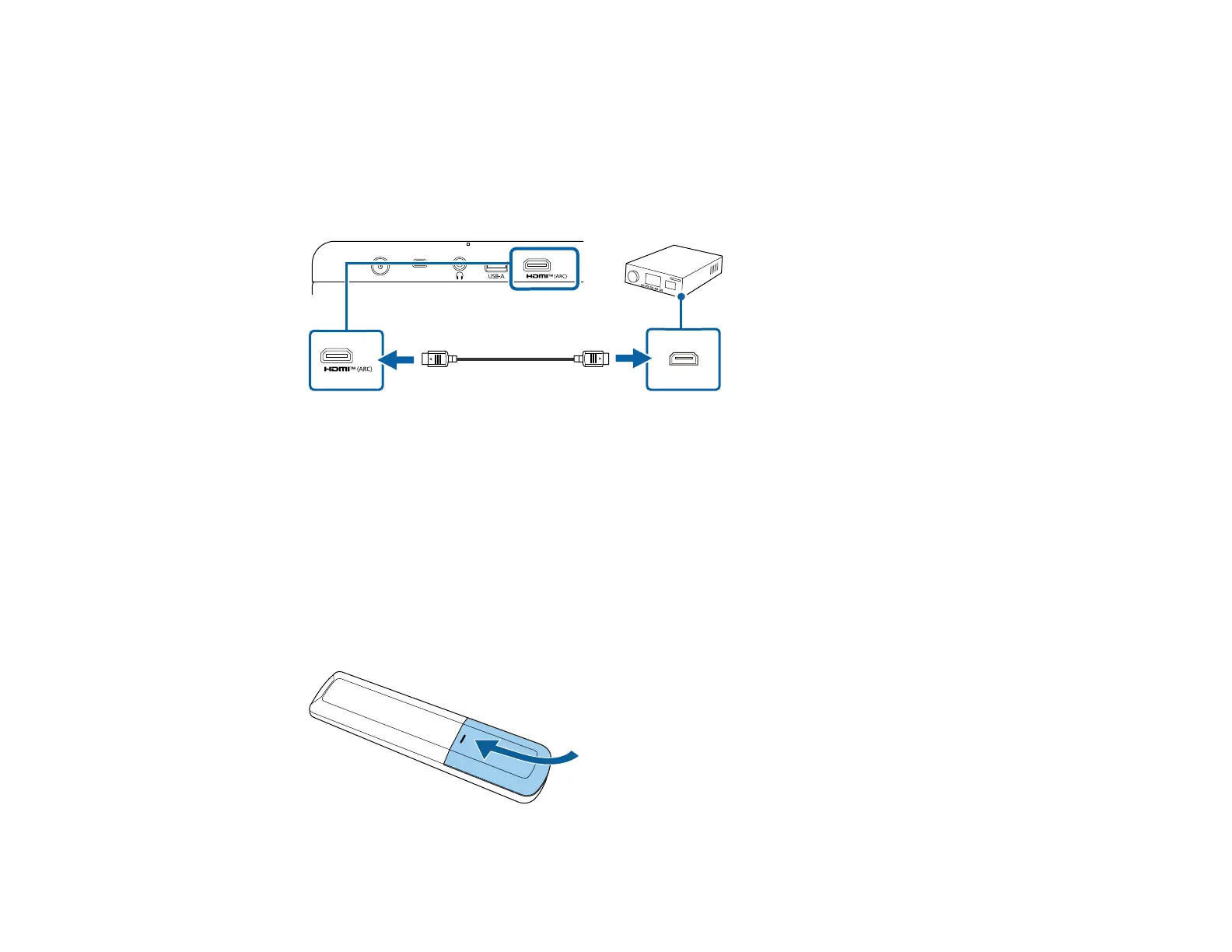
Note: You can pass-through HDMI audio signals with ARC when using an HDMI cable (with Ethernet).
The audio format is determined by the specifications of the connected AV system or external speakers
such as a sound bar.
1. Connect the HDMI cable to the ARC-compatible HDMI port on your external speakers or A/V
receiver.
2. Connect the other end to the HDMI (ARC) port on the projector.
Parent topic: Projector Connections
Installing Batteries in the Remote Control
The remote control uses the two AAA batteries that came with the projector.
Caution: Use only the type of batteries specified in this manual. Do not install batteries of different types,
or mix new and old batteries.
1. Remove the battery cover.



 To Next Page