12
EF22
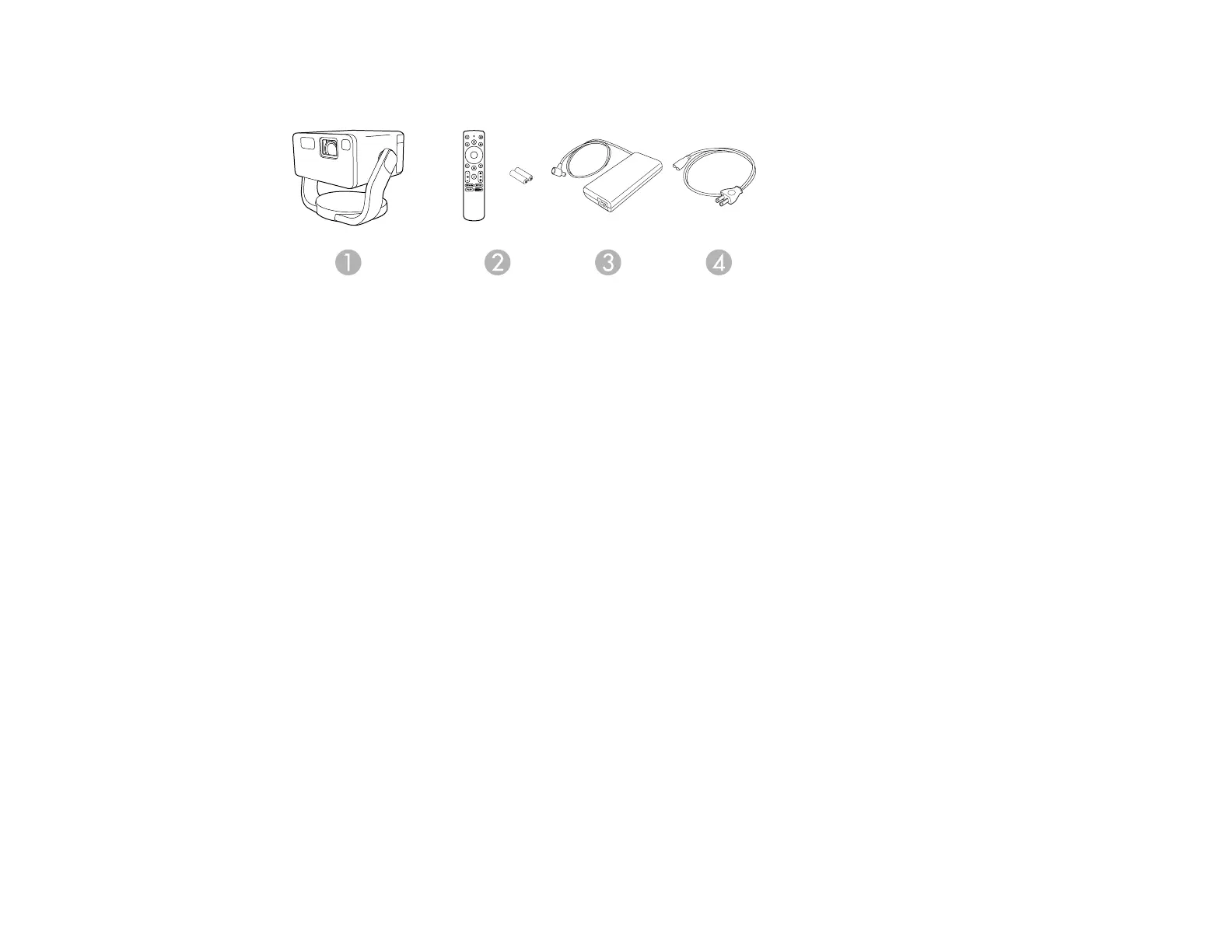
1 Projector
2 Projector remote control and 2 AAA batteries
3 AC adapter
4 Power cord
Parent topic: Projector Features
Additional Components
Depending on how you plan to use the projector, you may need to obtain additional components.
Note: To connect a Mac that does not include a compatible HDMI output port, you need to obtain an
adapter that allows you to connect to the HDMI port on the projector. Contact Apple for compatible HDMI
adapter options. To connect a smartphone or tablet, you may need to obtain an adapter that allows you
to connect to the projector. This allows you to mirror your smartphone or tablet screens, watch movies,
and more. Contact your device manufacturer for compatible adapter options.
Note: The projector's HDMI port does not support MHL.
Unless listed as available from Epson in this table, see your local computer or electronics dealer for
purchase information.



 To Next Page