37
Connecting Headphones
Connecting to External Speakers or an A/V Receiver Using HDMI ARC
Parent topic: Setting Up the Projector
Connecting to an HDMI Video Source
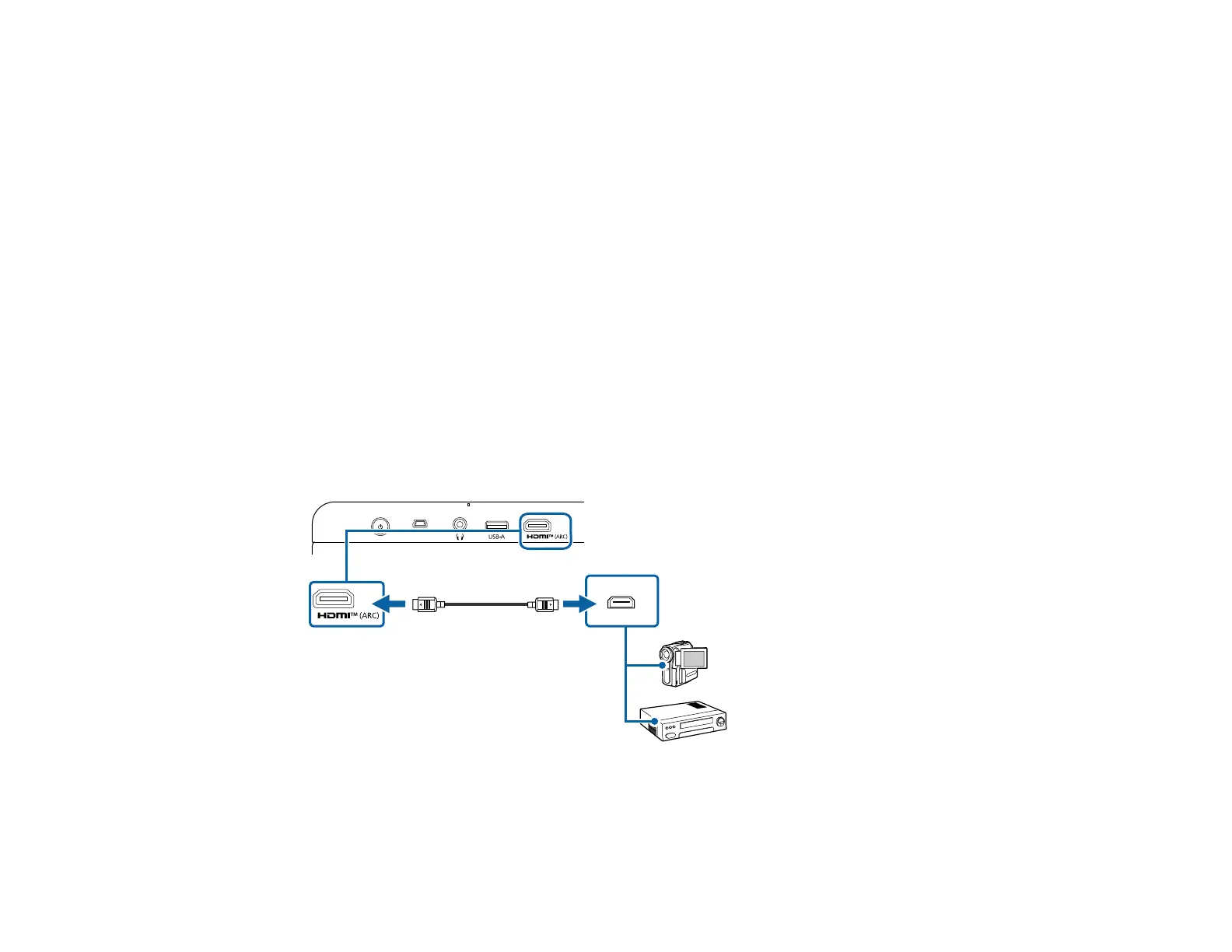
If your video source has an HDMI port, you can connect it to the projector using an HDMI cable. The
video source's sound is output to the projector's speaker.
Note: If the port on the connected device has an unusual shape, use the cable supplied with the device
or a optional cable to connect the device.
Note: Some video devices are capable of outputting different types of signals. See your video device
manual to confirm what type of signals can be output.
Caution: Do not turn on the video source before connecting it to the projector; otherwise, you may
damage the projector.
1. Connect one end of an HDMI cable to your video source's HDMI port.
2. Connect the other end of the HDMI cable to the projector's HDMI (ARC) port.
Parent topic: Projector Connections



 To Next Page