56
• The room is not too dark.
• The projection surface is not patterned and does not deflect the projector's camera in some way.
1. Turn on the projector and display an image.
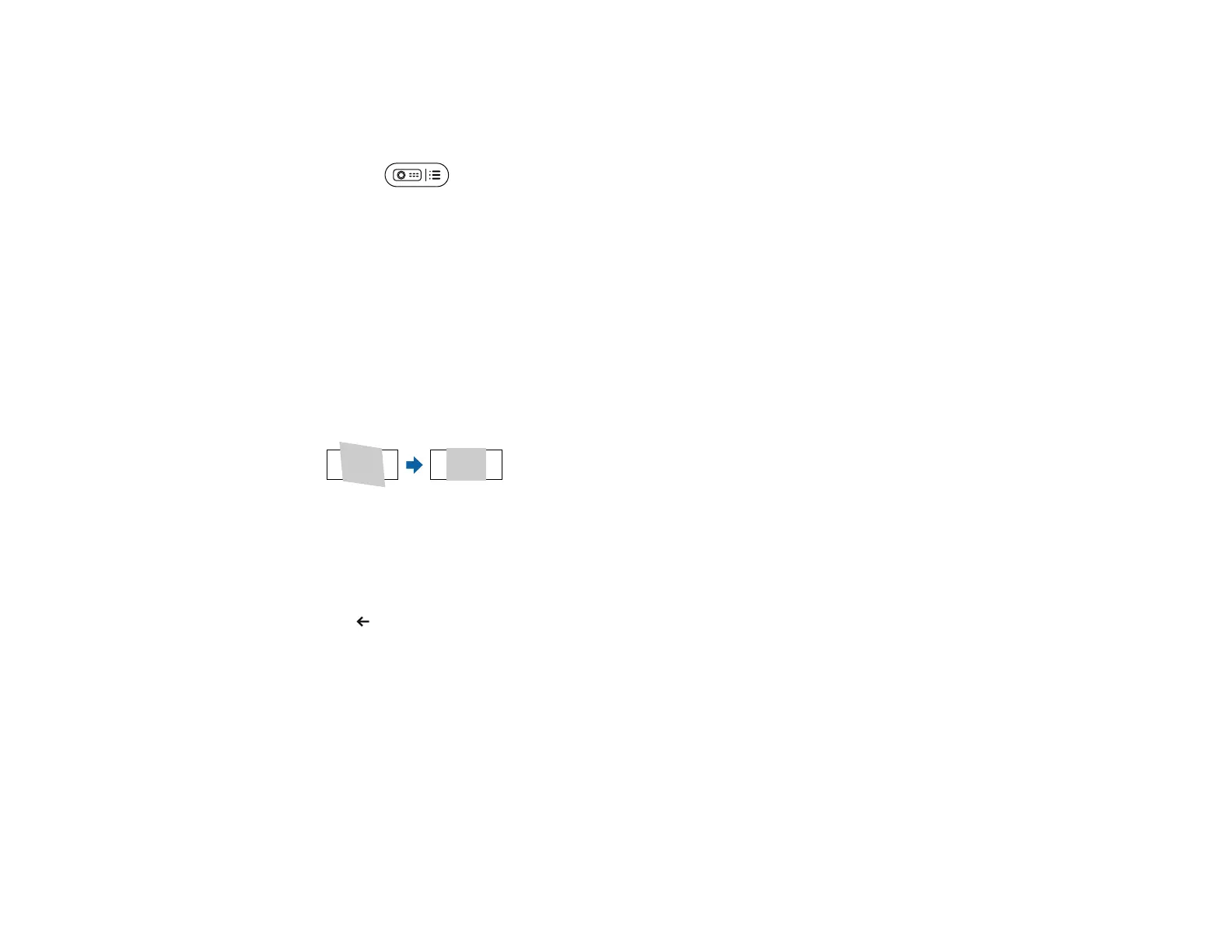
2. Press the projector settings button on the remote control.
3. Select Image Correction > Fit to Screen.
A message is displayed.
4. Expand the projection area so that it extends beyond the edges of the screen.
Note:
• Move the projector farther away from the screen as necessary.
• For example, when you project onto a wide screen in a small room and you cannot extend the
projection area beyond the screen frame, the projection area must include at least the top and
bottom two sides of the screen so that Fit to Screen detects the screen height and adjusts the
image to fit the screen.
5. Select START.
Note: When the adjustment screen is displayed, do not move the projector or block the image.
6. Press esc to exit the menus.
Parent topic: Image Shape



 To Next Page