17
EF22
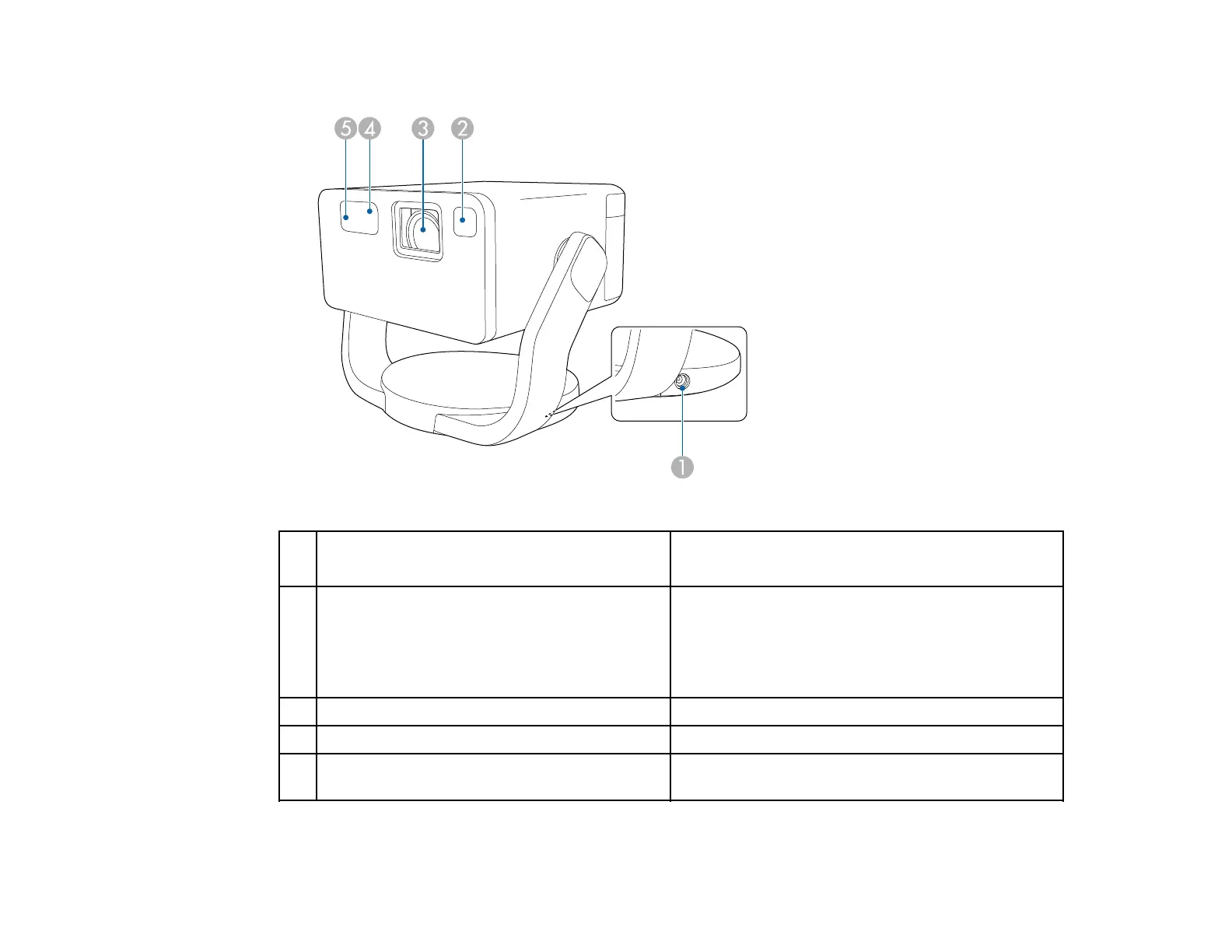
1 Power inlet Connects the power cord to the projector (EF21).
Connects the AC adapter to the stand (EF22).
2 Sensor
Detects obstacles that are interfering with the
projection area and automatically adjusts the
shape and focus of the projected image. It also
reduces the brightness of the light source to
minimize glare (Smart eye protection).
3 Lens Projects images.
4 Remote receiver Receives signals from the remote control.
5 Camera Automatically adjusts the shape and focus of the
projected image.
Parent topic: Projector Part Locations



 To Next Page