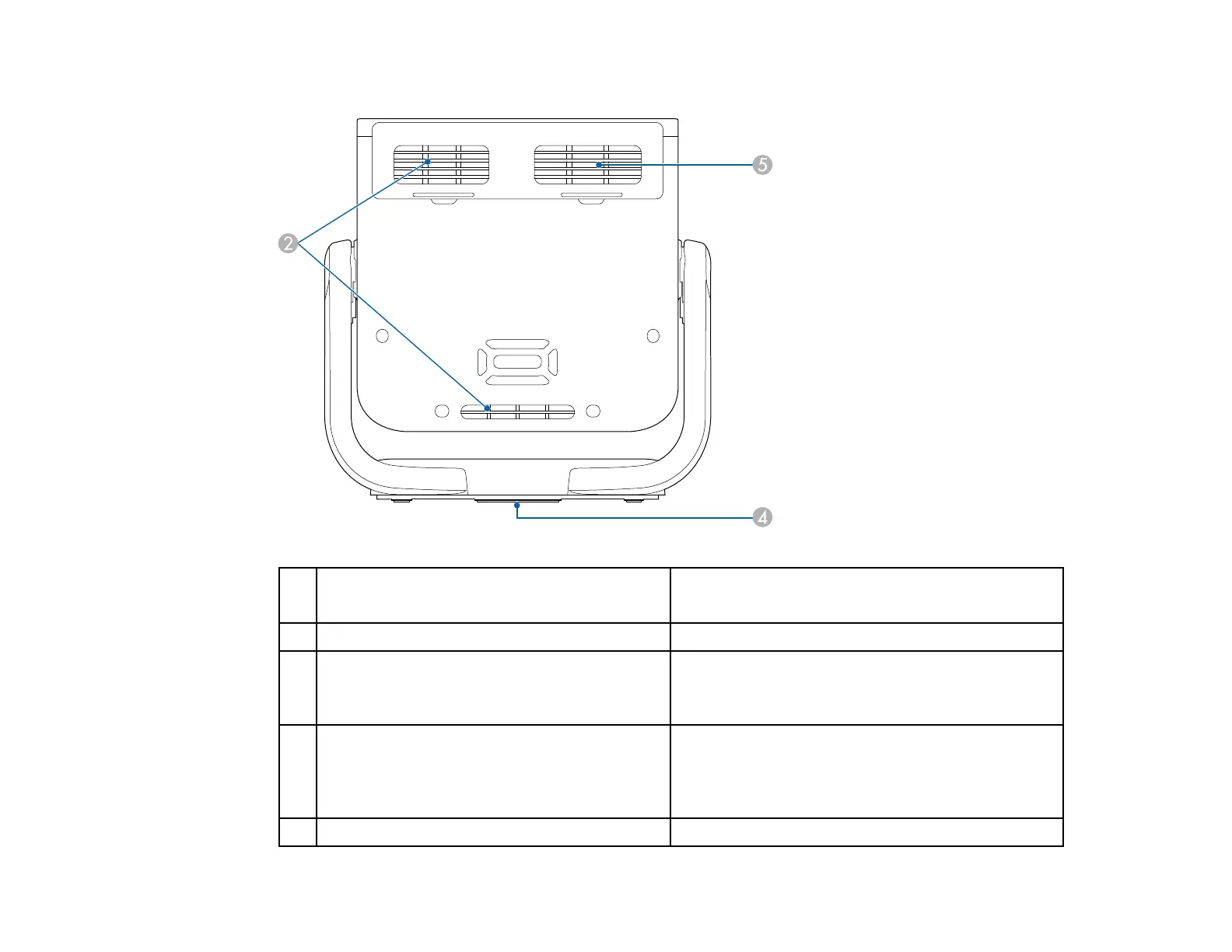
22
EF22
1 Foot release lever
Press the foot release lever to extend and retract
the front adjustable foot (EF21).
2 Air intake vent Takes in air to cool the projector internally.
3 Security cable attachment point
Attach the optional safety wire here to prevent the
projector from falling from the ceiling or wall
(EF21).
4 Mounting hole for tripod
Use when mounting the projector on a
commercially available tripod. For the EF22, this
hole is located at the center of the bottom of the
stand.
5 Air intake vent (air filter) Takes in air to cool the projector internally.



 To Next Page