24
2
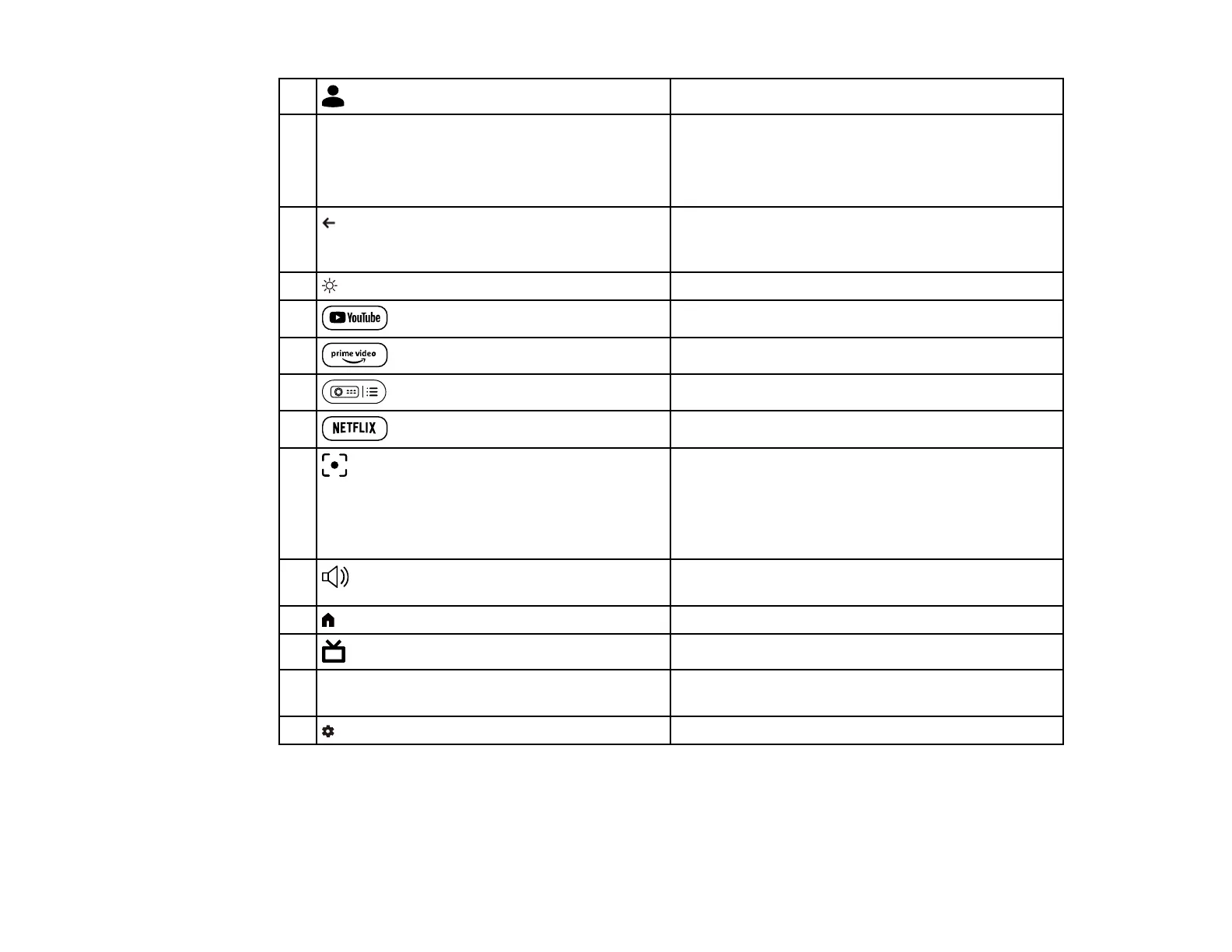
user profile button
Displays the user profile.
3 Arrow buttons Selects items on the home screen to play online
content.
Selects menu items while displaying the projector's
menu.
4 esc button Stops the current function. Moves back to the
previous menu level while displaying the
projector's menu.
5 brightness up and down button Lightens or darkens the projected image.
6
YouTube button
Starts the YouTube application.
7
Amazon Prime Video button
Starts the Amazon Prime Video application.
8
projector settings button
Displays the projector menu screen.
9
Netflix button
Starts the Netflix application.
10
focus button
Displays the focus adjustment screen. Press the
up and down arrow buttons to adjust the focus
setting.
Hold down this button to automatically correct the
focus of the projected image.
11
volume up and down button
Adjusts the volume for the speaker and
headphones.
12 home button Displays the Google TV home screen.
13
HDMI button
Switches to the HDMI source.
14 Enter button Enters the current selection and moves to the next
level while displaying the projector's menu.
15 settings button Opens the Google TV dashboard.



 To Next Page