29
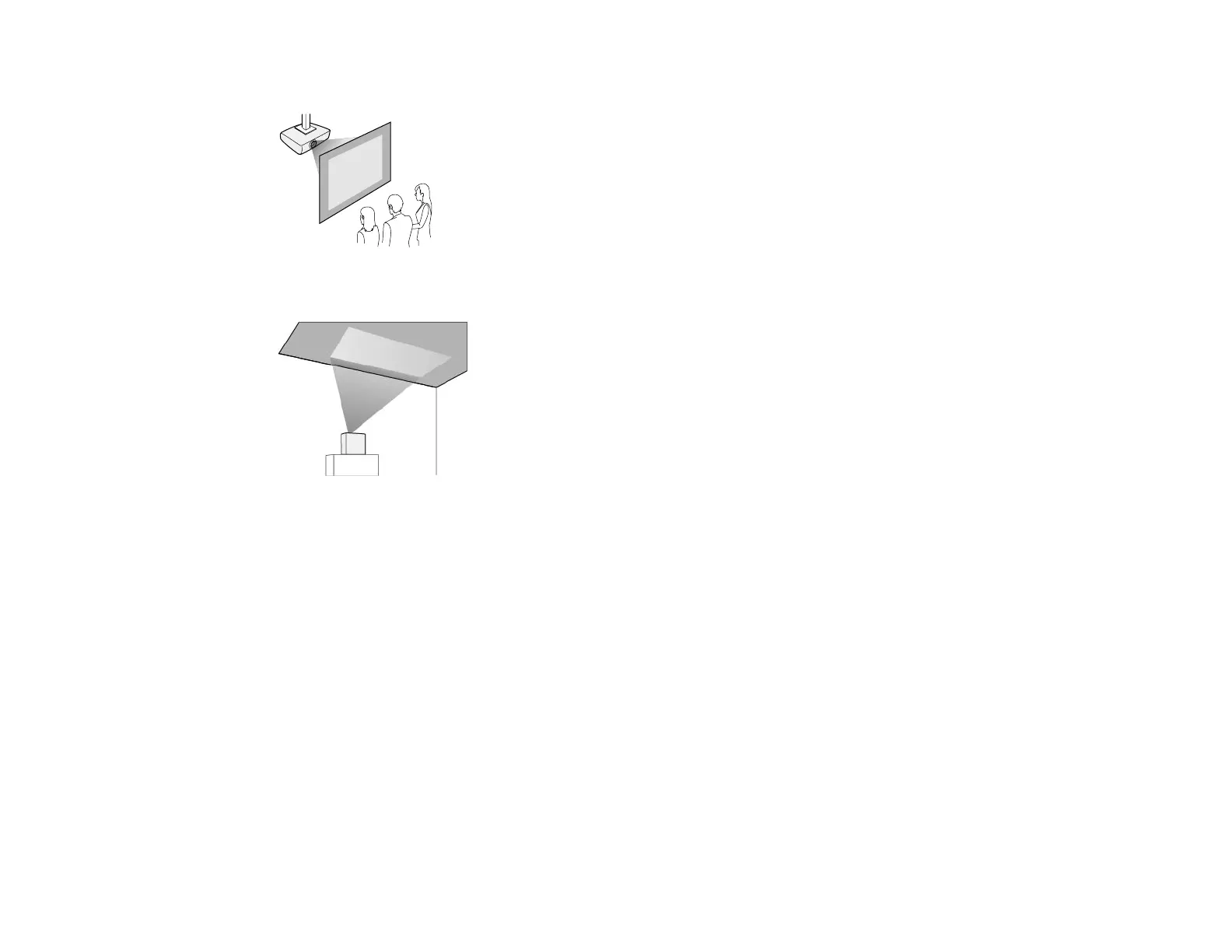
Rear ceiling
Toward the ceiling
Caution:
Do not cover the projector's lens. If the lens is covered, the internal temperature could rise and it could
result in a malfunction.
Note:
• We recommend installing the projector on a protective mat to prevent the projector or the cloth
covering the speaker from being damaged, or the color from staining unprotected surfaces (EF21).
• The sound from the projector's speaker may be muffled (EF21).
• If you tilt the projector toward the ceiling while connection cables are connected to the projector's
ports, the cables and ports can be damaged. Disconnect the cables before tilting the projector (EF22).
Note the following precautions when installing the projector:
Installation space



 To Next Page