48
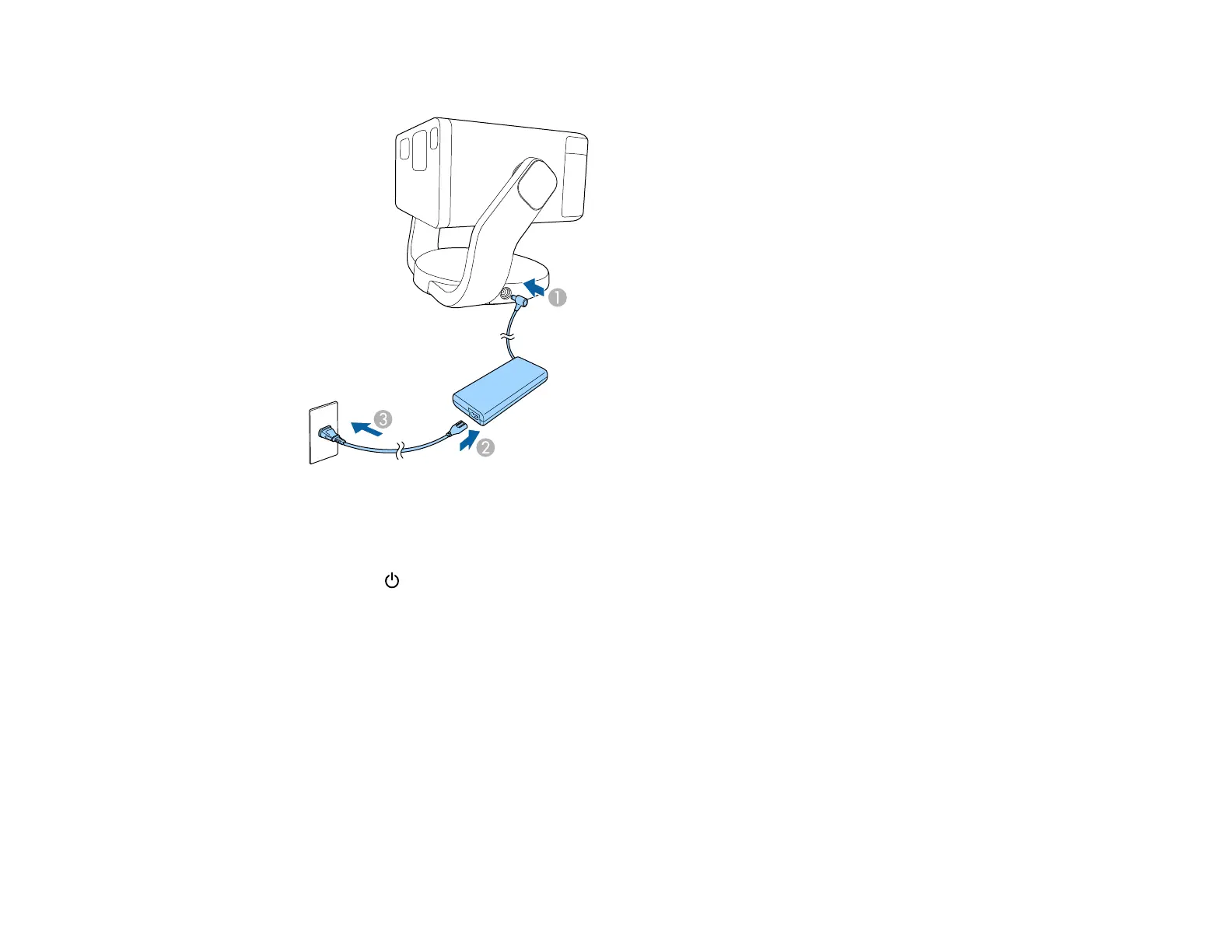
3. Plug the power cord into an electrical outlet.
The projector status light flashes blue as the projector warms up. When the indicator turns off, the
projector enters standby mode. This indicates that the projector is receiving power, but is not turned
on.
4. Press the Power button on the projector or the projector remote control to turn on the projector.
The status indicator turns blue and the light source turns on.
Auto Focus and Auto Keystone Correction automatically correct the focus and any distortion of
the projected image.
Note: Your screen size should be between 30 and 100 inches for automatic image correction. Focus
and keystone distortion are corrected even if the size of the projected image exceeds 100 inches.
However, the adjustment may fail depending on the installation angle of the projector, the brightness
of the room, and the material of the projection surface. If necessary, adjust the keystone distortion
and focus setting manually using the projector menu.



 To Next Page