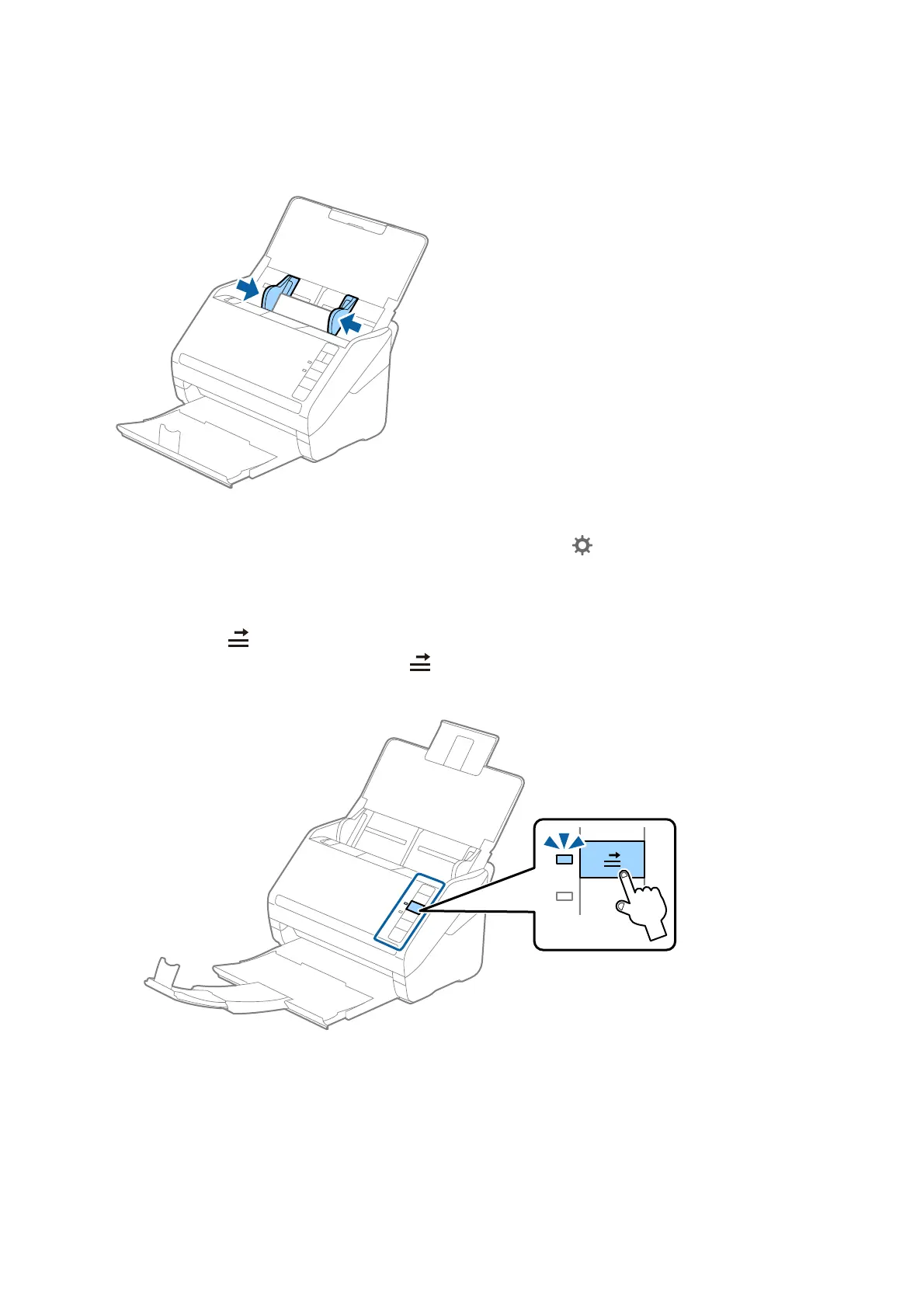
4. Slide the edge guides to t the edge of the plastic cards.
Note:
To scan plastic cards, set the appropriate setting on Epson ScanSmart. Click
Settings > Scanner Settings tab > Scan
Settings button > Main Settings tab on the Epson Scan 2 window, and then select Plastic Card in Document Size or
set Detect Double Feed to
O
.
If you forget to disable Detect Double Feed and a double feed error occurs, remove the card from the ADF and then
reload it, press the
(Double Feed Detection Skip) button on the scanner as shown below to disable Detect Double
Feed for the next scan, and then scan again. e
(Double Feed Detection Skip) button only disables Detect Double
Feed for one sheet.
Related Information
& “Scanning Documents from Computer (Epson ScanSmart)” on page 83
Using Epson ScanSmart, you can easily scan and save your documents.
User's Guide
Scanning Documents or Other Originals
69








 To Next Page