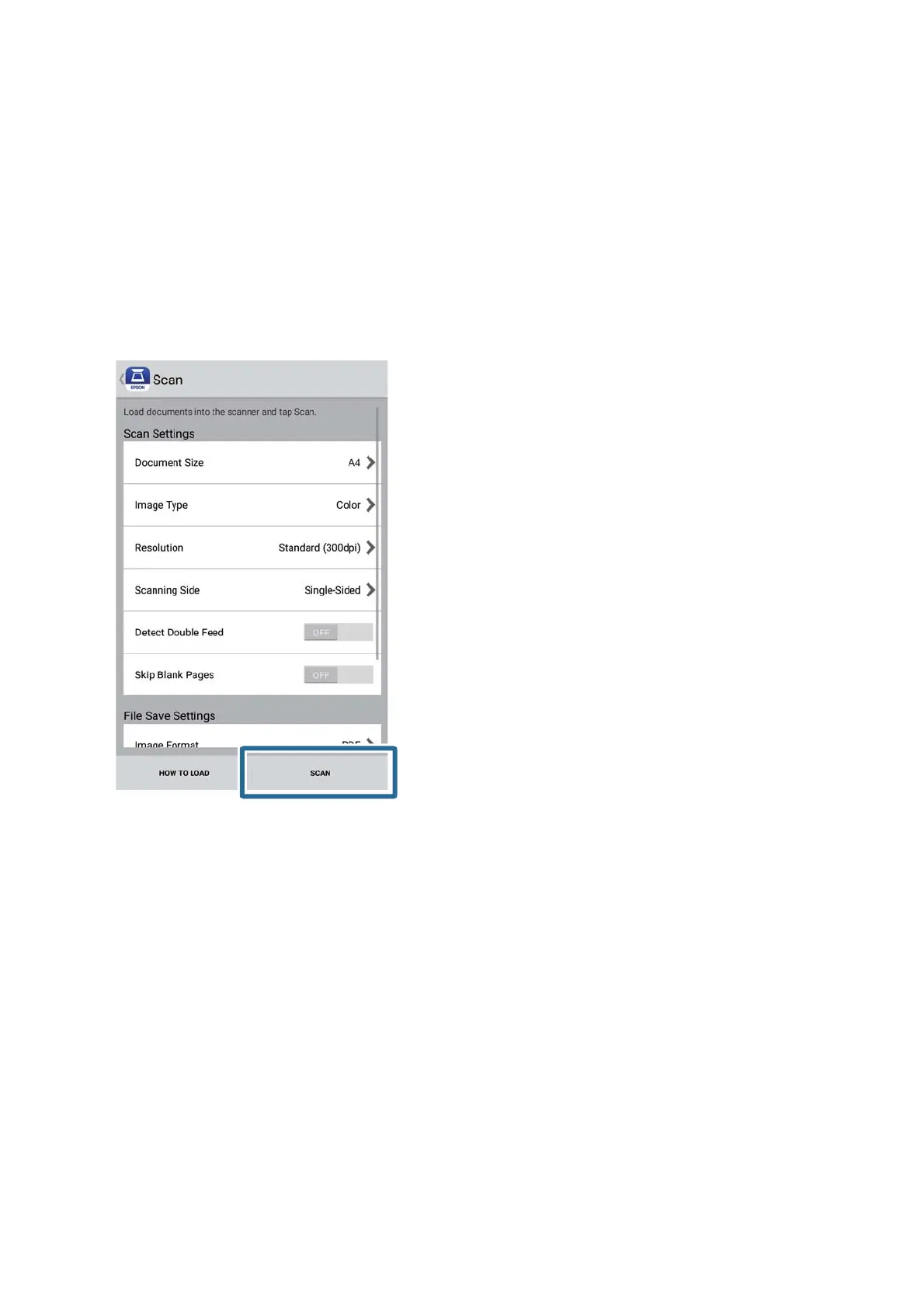
❏ Scanning Side: Select the side of the original you want to scan.
❏ Detect Double Feed: Select to detect double feed when multiple originals are fed at the same time.
❏ Skip Blank Pages: Select to skip blank pages if there are any in the originals.
❏ Image Format: Select the save format from the list.
❏ Location: Select the location to save the scanned image.
❏ File Name: Check the settings for the le name.
5. Tap Scan.
Scanning starts.
User's Guide
Scanning Documents or Other Originals
92








 To Next Page