RX4111CE Jump to Top / Bottom
ETM62E-02 Seiko Epson Corporation 51
2) I
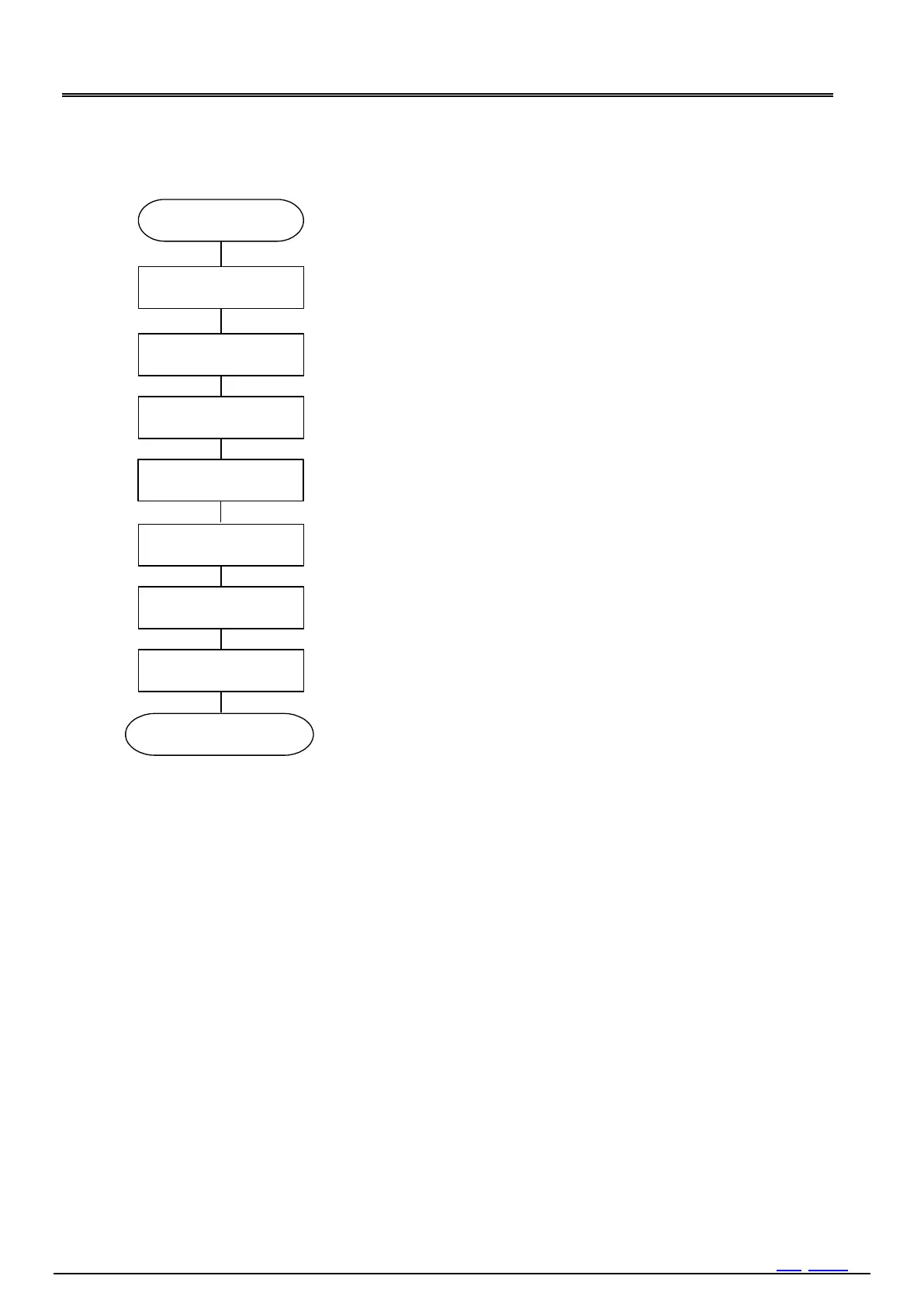
Set AIE,TIE, UIE bit to 0"to prevent unprepared interruption output.
Set Time and Date
Bank1, Reg0h6h
Set the time and date.
Setting the present time concerned, please refer to item of [Clock and
calendar writing].
Setting the Alarm function
Set the Alarm interrupt function.
When the alarm interrupt function is not being used, the Alarm registers
can be used as a RAM register. In such cases, be sure to write "0" to the
AIE bit.
Setting the Timer function
Set the Wakeup Timer function.
When the fixed-cycle timer function is not being used, the Timer Counter
register can be used as a RAM register. In such cases,
stop the fixed-cycle timer function by writing "0" to the TE and TIE bits.
When initialization is finished, be sure to set STOP bit to 0.
Set TE bit to 0.
Set FSEL1,0 bitoptionally.
Clear various flags to "0".
VLF and XST retain the state of "1" even if "0" is cleared until oscillation starts.
Set the Battery backup switchover function.



 To Next Page