RX4111CE Jump to Top / Bottom
ETM62E-02 Seiko Epson Corporation 52
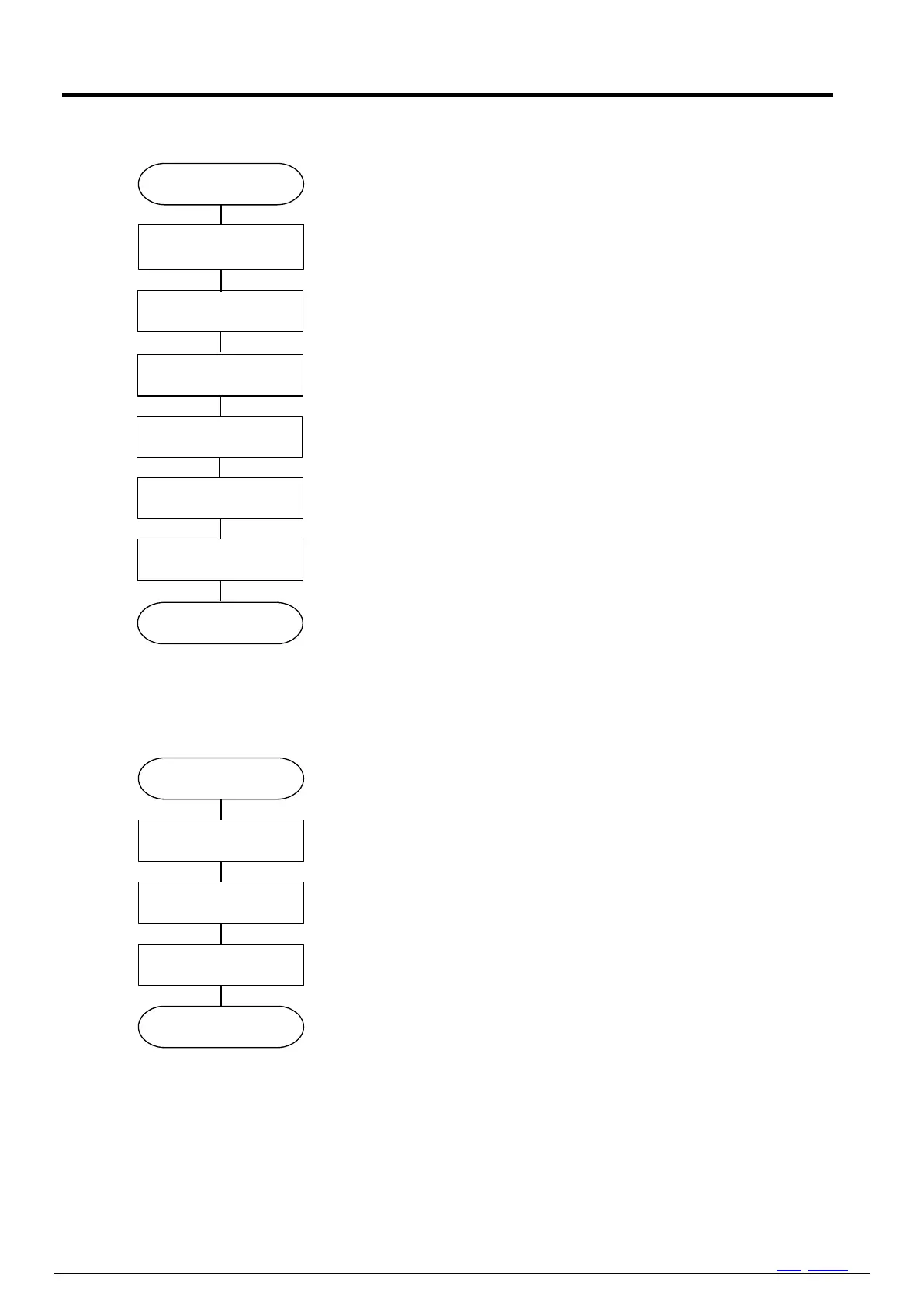
Write value 00 h
To use the STOP bit, set it to 01 h and stop counting until the time is set.
Setting the current time
When initialization is fini
Write value 00 h
State of VLF=1 is held even if it 0 clear until oscillation start.
When initialize it without waiting for an oscillation start, Clear VLF bit after
an oscillation
start.
Write 00h
It is unnecessary when not using the STOP bit.
Write value 04 h (when using primary battery)
When using a capacitor or a rechargeable battery not requiring charge
control Write 0C h. Adjust the setting of SMPTSEL1,0 when the power
switching is difficult with the default values 00b.
Figure 41 Flow3
3)
Write information of[year/month/date[day of the week]hour:
minute: second] which is necessary to set (or reset).
In case of initialization, please initialize all data.
Cancel STOP bit to 0 and start (restart) clock movement.
Clock is started when set STOP bit to 0.
It is able to set time even if not combined use of STOP bit.
If do not use the STOP bit, RTC will start counting from the point of writing
second. Even when batch writing is performed from [seconds] to [year],
the counter below second will be reset by the acknowledge following [s],
clocking will start from that point.
When STOP = 1, please be aware that the functions such as the voltage
detection function stop.



 To Next Page