146
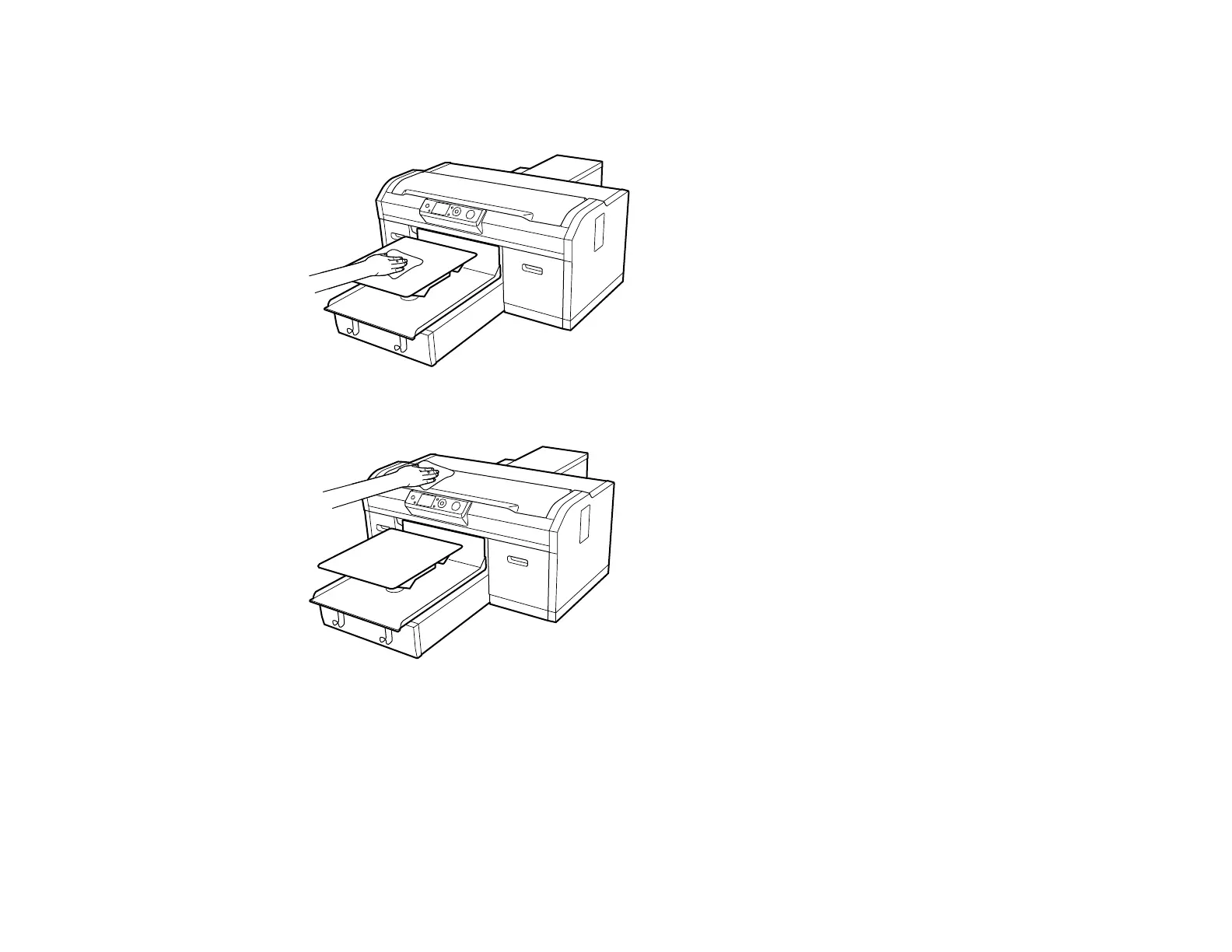
4. Use a soft, clean cloth to carefully remove any dust or dirt from the platen. If necessary, clean the
platen using a soft, clean cloth dampened with water and a small amount of detergent. Wipe off
excess moisture with a dry, soft cloth.
5. Remove any dust or dirt from the printer cover in the same manner.
Note: To reduce ink mist buildup inside your printer, clean it regularly using a small amount of
cleaning solution on a lint-free cloth. Gently clean the flat surfaces, print head cover, and inside the
printer cover.
Caution: Do not use organic solvents such as alcohol to clean the printer. Otherwise discoloration,
warping, or other damage may occur.



 To Next Page
 Loading...










