40
Acquisition of the setting information
Acquire the following information from the network administrator.
•Network mode
•SSID: This is set for each network of the SSID wireless LAN. Set the same setting as the access
point.
• WEP, WPA, WPA-Personal/Enterprise: This is a security setting and a cipher key. Set the same
setting as the access point.
•Channel
•IP address
•Subnet mask
•Gateway address
Follow t
he steps below to connect the printer.
1
Connect the printer to a PC via the USB cable.
See "USB Interface" on page 37.
2
Turn on the host computer.
3
Turn on the printer.
4
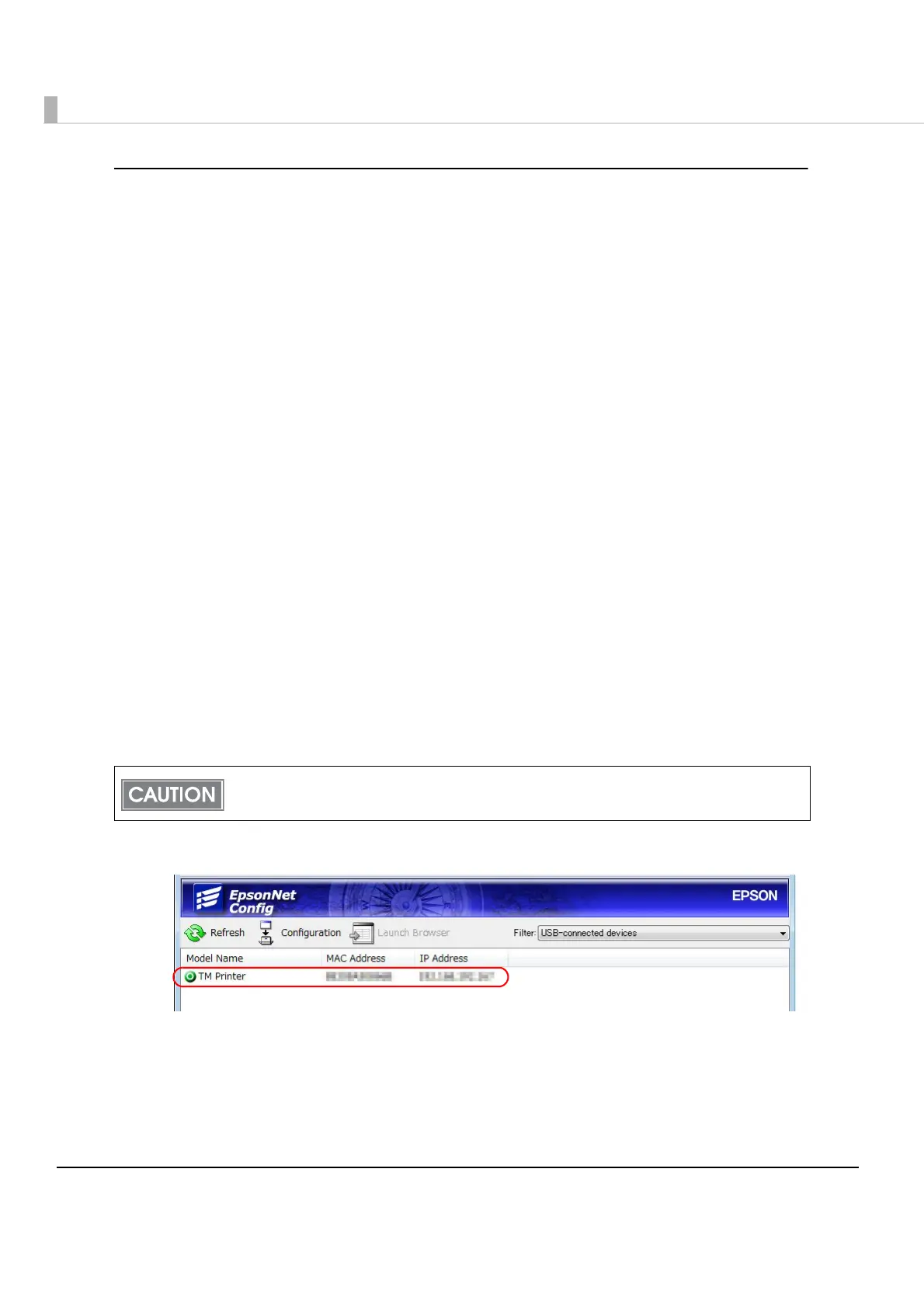
Start up the EpsonNet Config.
5
Double-click on the printer.
When the EpsonNet Config is started up, the battery LED (the remaining battery charge is
indicated) goes off and the Feed button is disabled.



 To Next Page
 Loading...