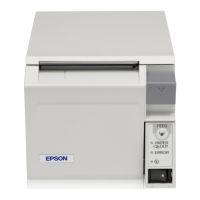
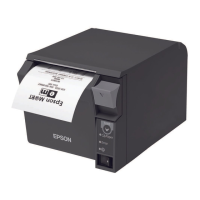
Chapter 5 Replacement of the TM-T70
101
5
Additional Functions and Functional Improvements
Print Speed
The TM-T70II has increased its print speed up to a maximum of 250 mm/s (200 mm/s for some
models).
Note: When the printer prints text (built-in fonts) with the default print density level at 24 V and
25°C {77°F}.
Barcodes
With the TM-T70II, printing the following barcodes, two-dimensional symbols and composite
symbology is additionally possible.
•GS1-128
•GS1 DataBar Omnidirectional
•GS1 DataBar Truncated
•GS1 DataBar Stacked
•GS1 DataBar Stacked Ominidirectional
•GS1 DataBar Limited
•GS1 DataBar Expanded
•GS1 DataBar Expanded Stacked
•Maxi Code
•Composite Symbology
TM-T70II TM-T70
Maximum print speed
250 mm/s
(200 mm/s for some models)
170 mm/s
Print speed setting
Levels 1 to 13 Levels 1 to 9
Depending on print conditions such as print duty, print head temperature, and data
transmission speed, print speed is automatically adjusted.


 To Next Page
 Loading...