29
• Select Tool from the menu bar and select Environment setup > Monitor tab > Enable to receive
information about firmware updates.
• Check the network Proxy Settings options on the Monitor tab and change them if necessary.
Note:
• When you select Enable to receive information about firmware updates, the software checks the
firmware update information automatically in every 14 days.
• When you check the firmware update information immediately, select Check.
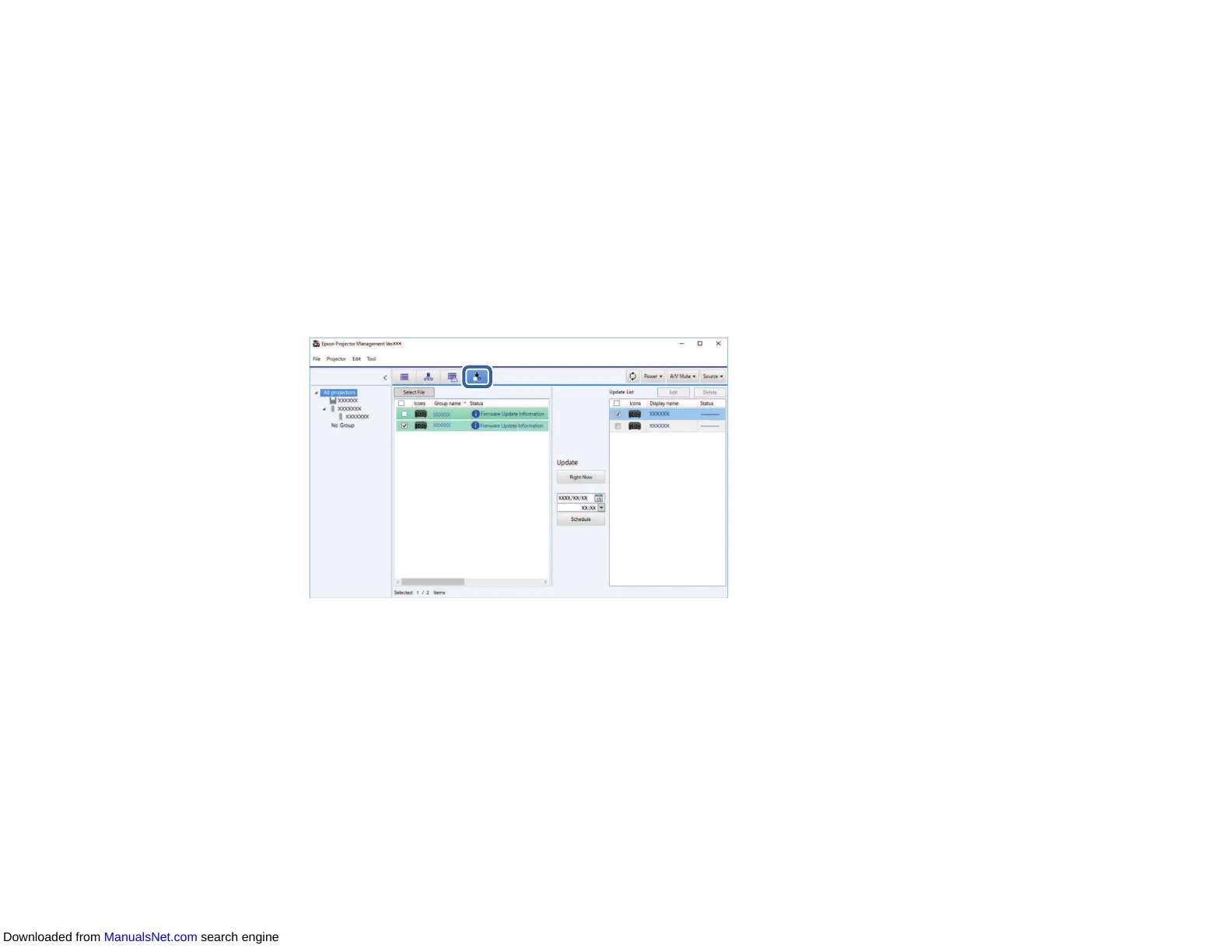
1. Click the Update List icon on the Epson Projector Management main screen to open the Update
List view.
When you see Firmware Update Information in the Status column of the left pane, you can update
these projectors.
Note: You can view the release notes for the new firmware by right-clicking Firmware Release
Notes.
Downloaded from ManualsNet.com search engine



 To Next Page