236
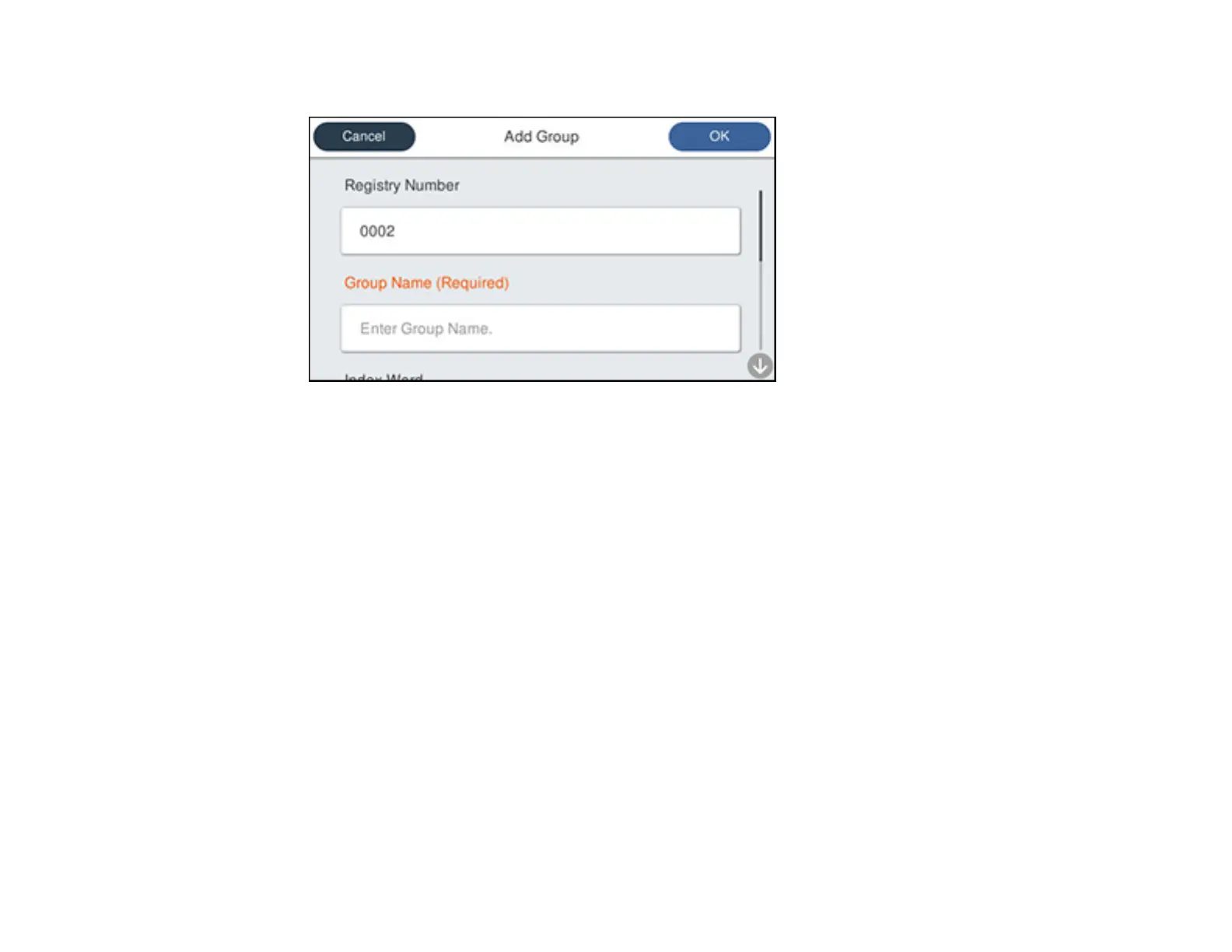
You see a screen like this:
6. Select the registry number you want to use for the group you are adding.
7. Select the Group Name field, use the displayed keyboard to enter the group name (up to 30
characters), and select OK.
8. Select the Index Word field, use the displayed keyboard to enter a word to use when searching for a
group (up to 30 characters), and select OK.
Note: This field is automatically populated after you enter the group name. This field is optional.
9. Select Contact(s) Added to the Group.
You see your contacts list.
10. Select each contact you want to include in your group.
Each selected contact is highlighted.
11. Select Close.
12. Select OK.
Parent topic: Setting Up Contacts Using the Product Control Panel



 To Next Page
 Loading...









