296
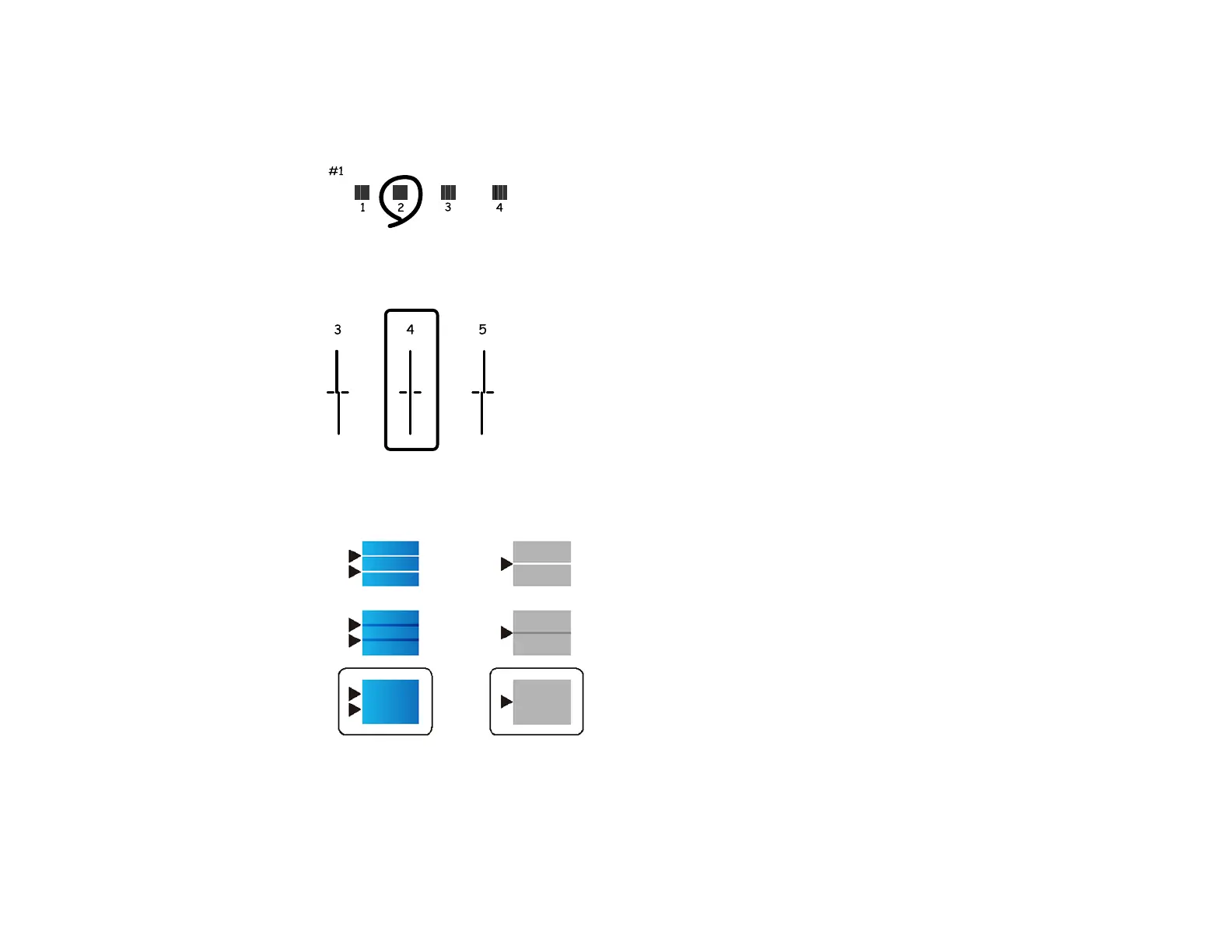
7. Check the printed patterns on the alignment sheet and select number of the best printed pattern for
each set:
• Select the number representing the pattern with the least amount of separation or overlap.
• Select the number representing the pattern with the least misaligned vertical line.
• Select the number representing the pattern with the least amount of separation or overlap.
8. Continue following the on-screen instructions to finish the print quality adjustment.
Parent topic: Print Head Alignment



 To Next Page
 Loading...









