303
Caution: During transportation and storage, follow these guidelines:
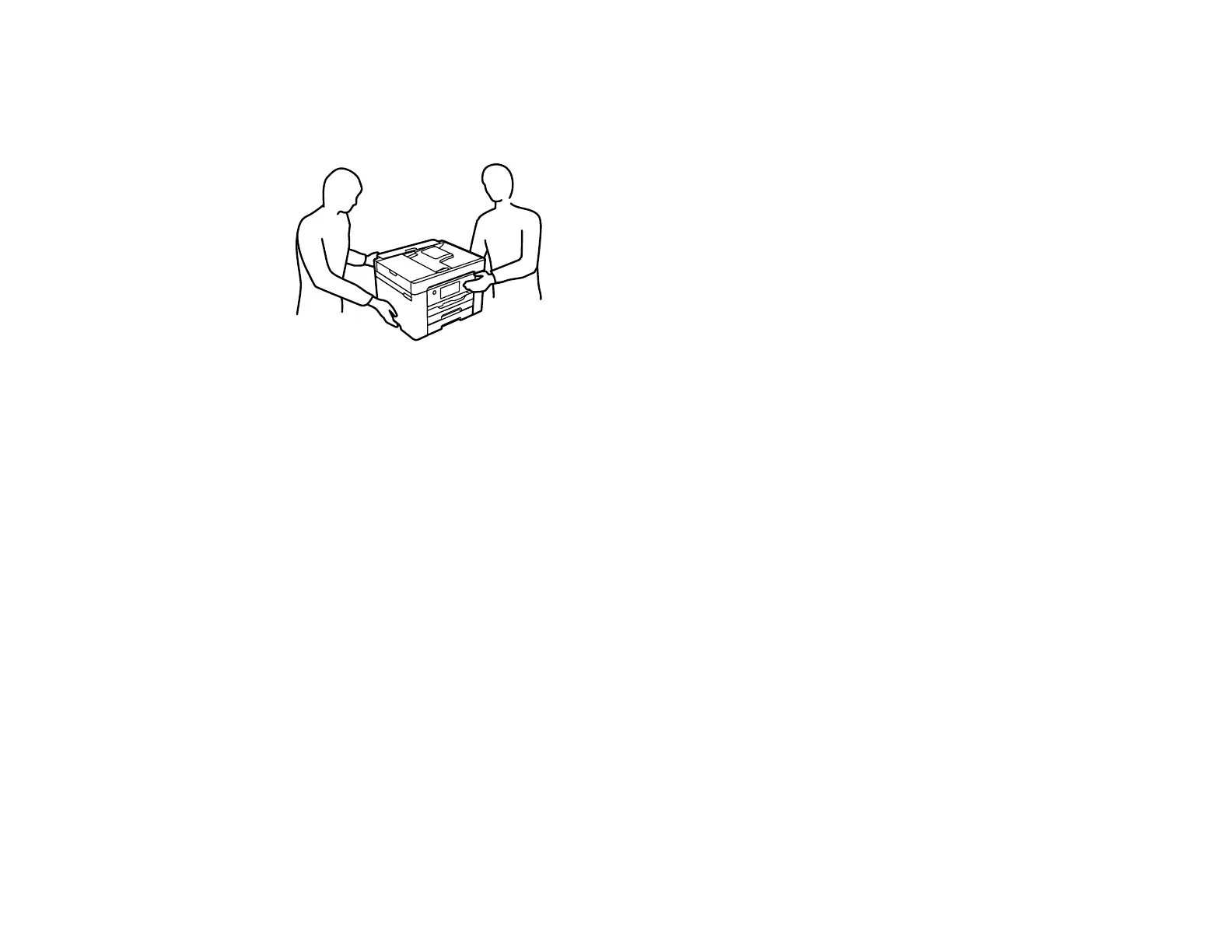
• Because the product is heavy, two or more people should lift and carry it using the hand position
shown:
• Avoid tilting the product, placing it vertically, or turning it upside down; otherwise ink may leak.
• Leave the ink cartridges installed. Removing the cartridges can dry out the print head and may prevent
the product from printing.
Note: Before storing your product for a long period, replace low, expended, or expired ink to help
prevent the print head from drying out. Store your product in a cool, dry place.
1. Turn off the product.
2. Unplug the power cable.
3. Disconnect any connected cables.
4. Remove all paper from the product.



 To Next Page
 Loading...









