❏ Wi n d o w s
Select Control Panel > Vi e w d e v i c e s an d p ri n ter s (Printers, Printers and Faxes), and then do the following to
open the print server properties window.
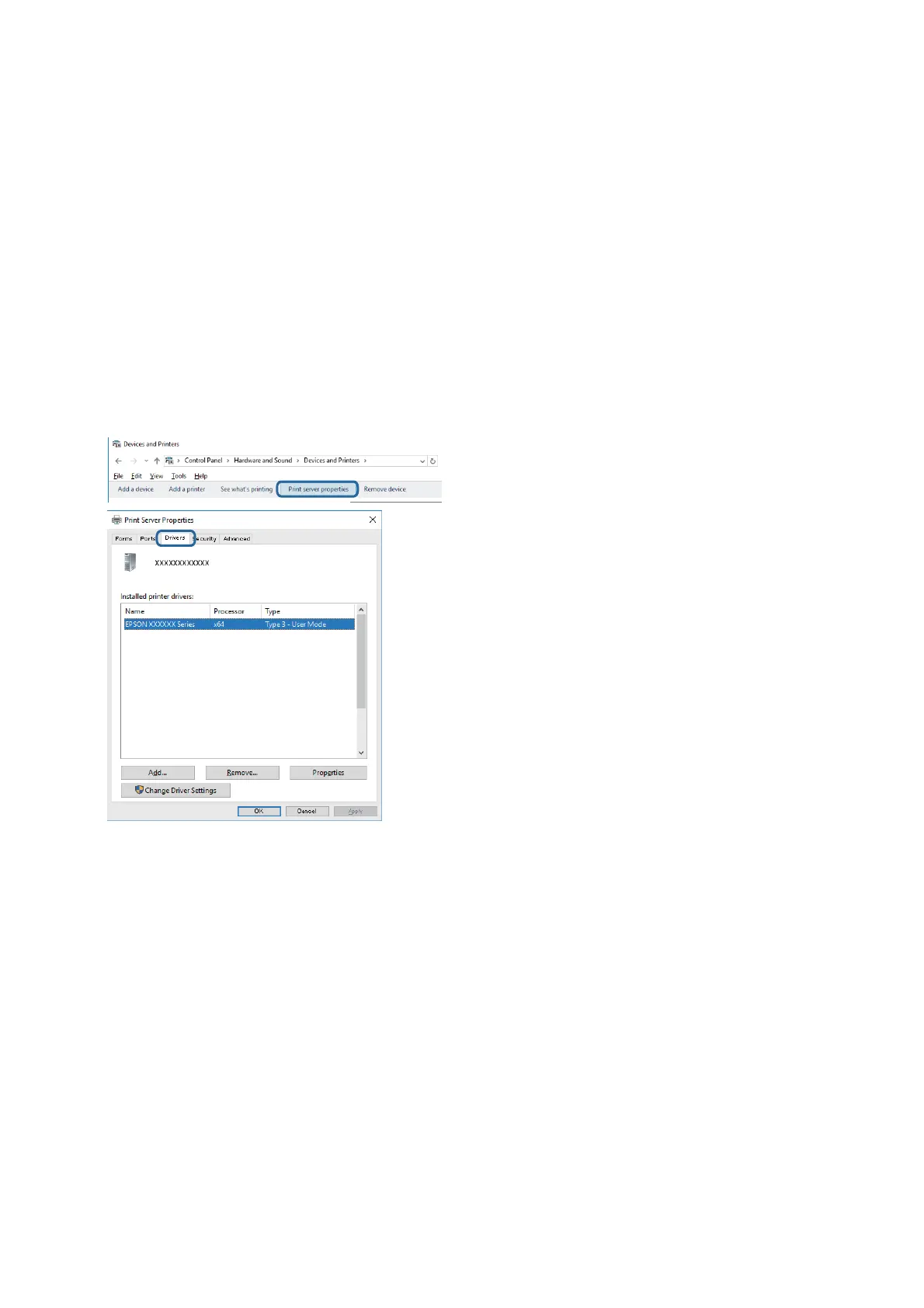
❏ Windows 10/Windows 8.1/Windwos 8/Windows 7
Click the printer icon, and then click Print server properties from the displayed menu.
❏ Wi ndow s Vis ta
Right-click on the Printers folder, and then click Run as administrator > Server Properties.
❏ Wi ndow s XP
From the File menu, select Server Properties.
Click the Driver tab. If your printer name is displayed in the list, a genuine Epson printer driver is installed on
your computer.
User's Guide
Solving Problems
192



 To Next Page
 Loading...










